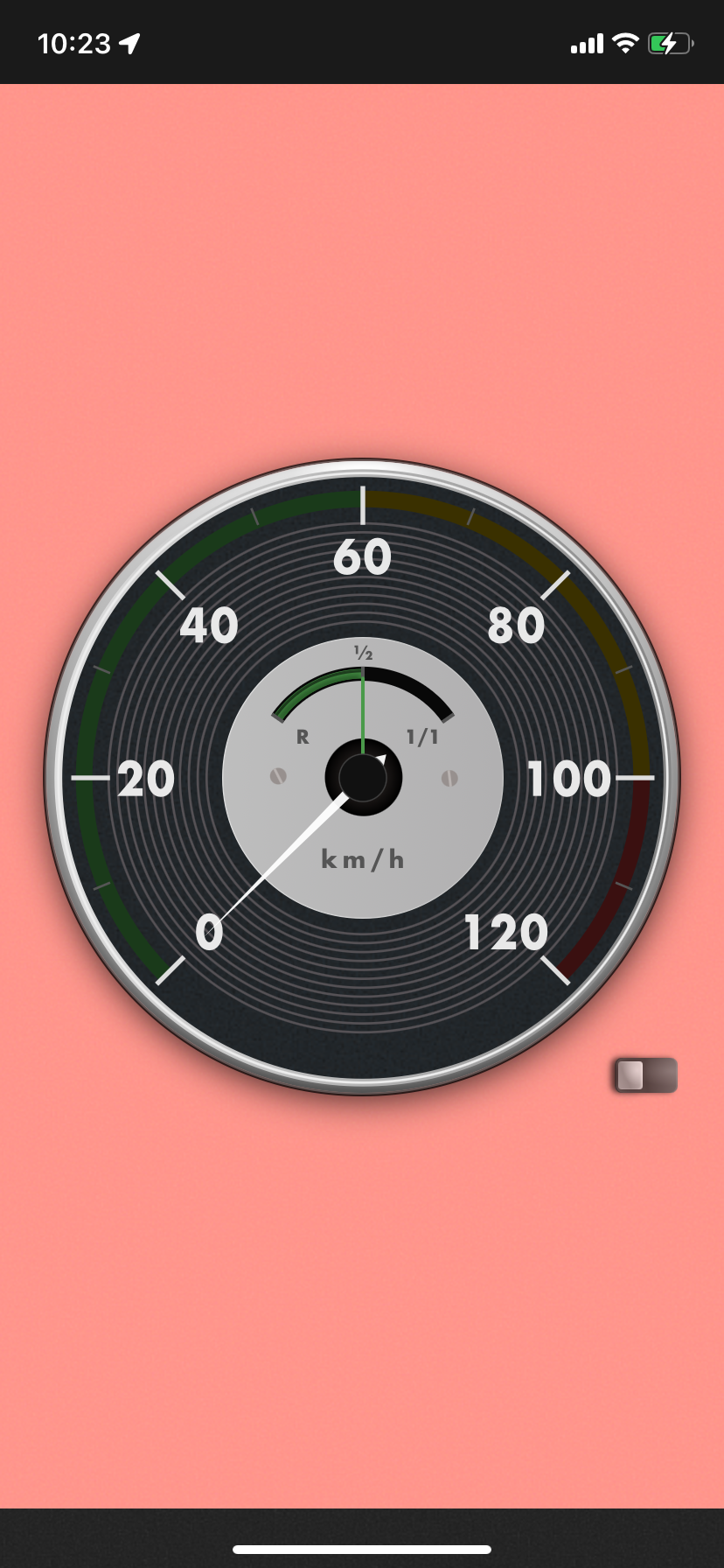
Vintage Car Monitor
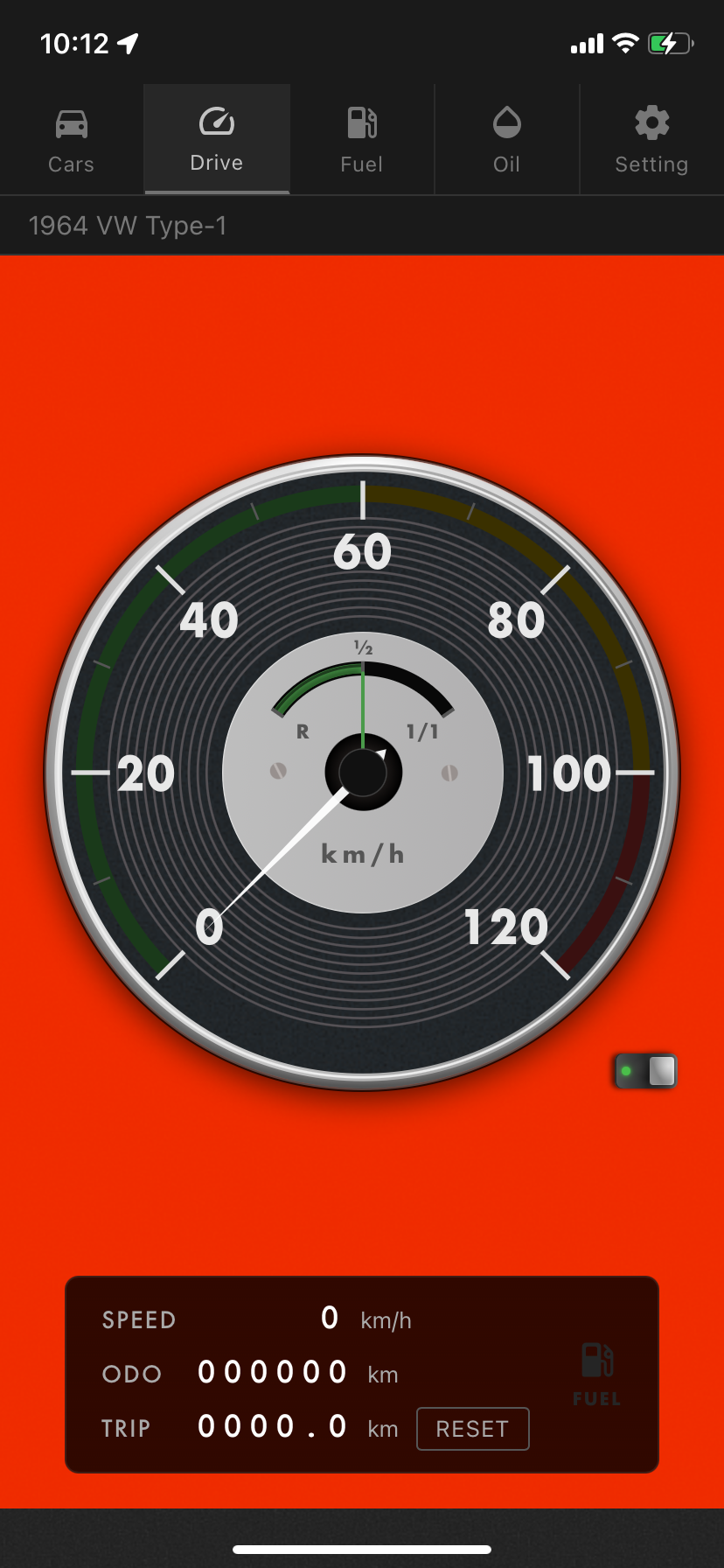
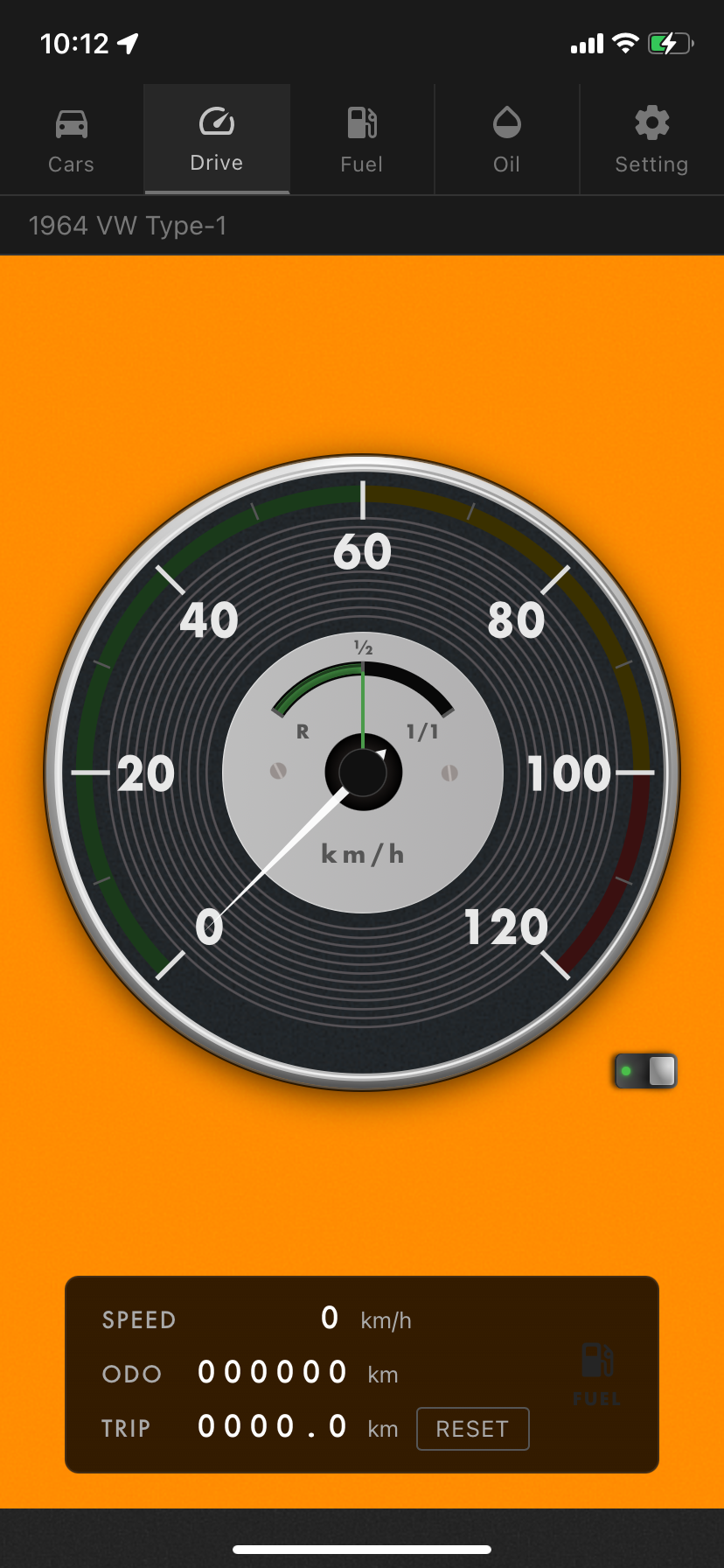
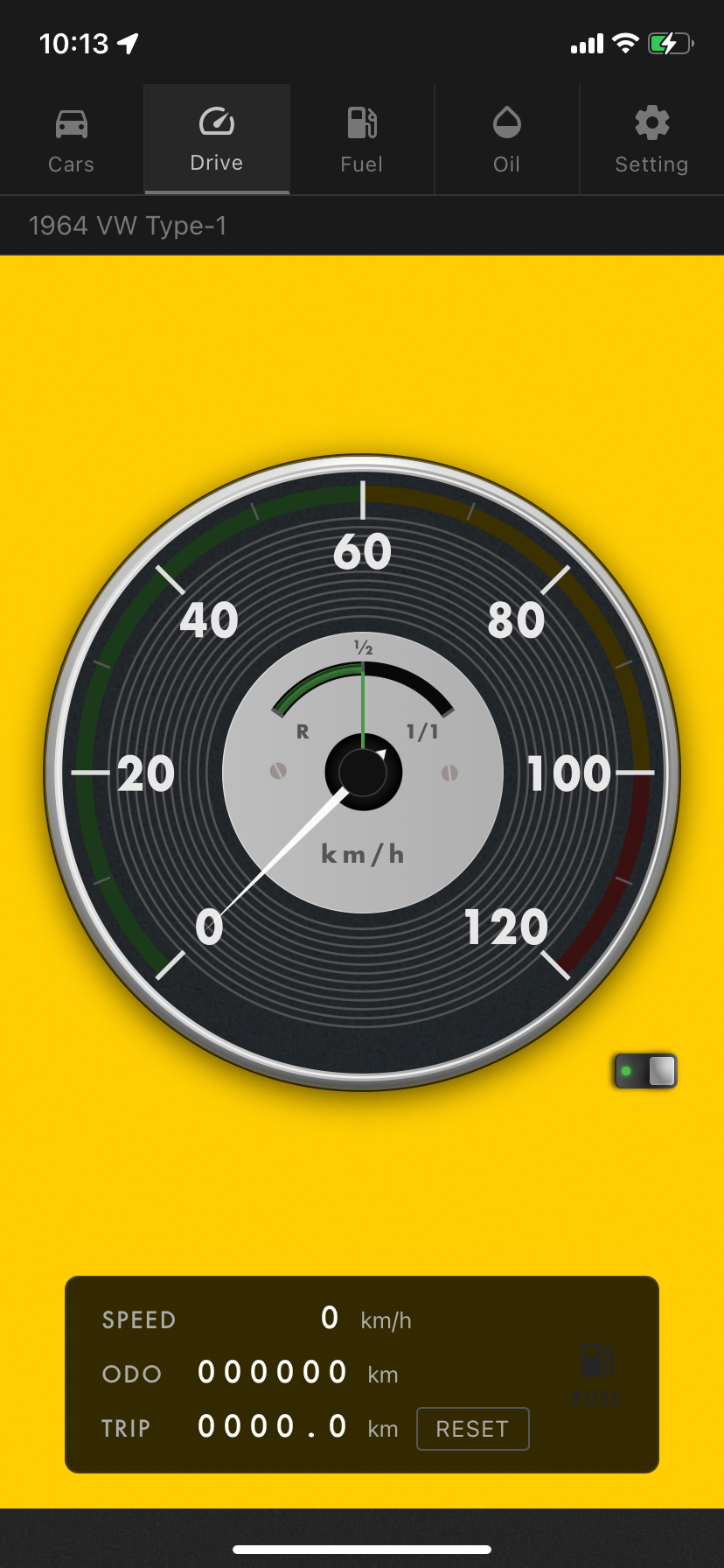
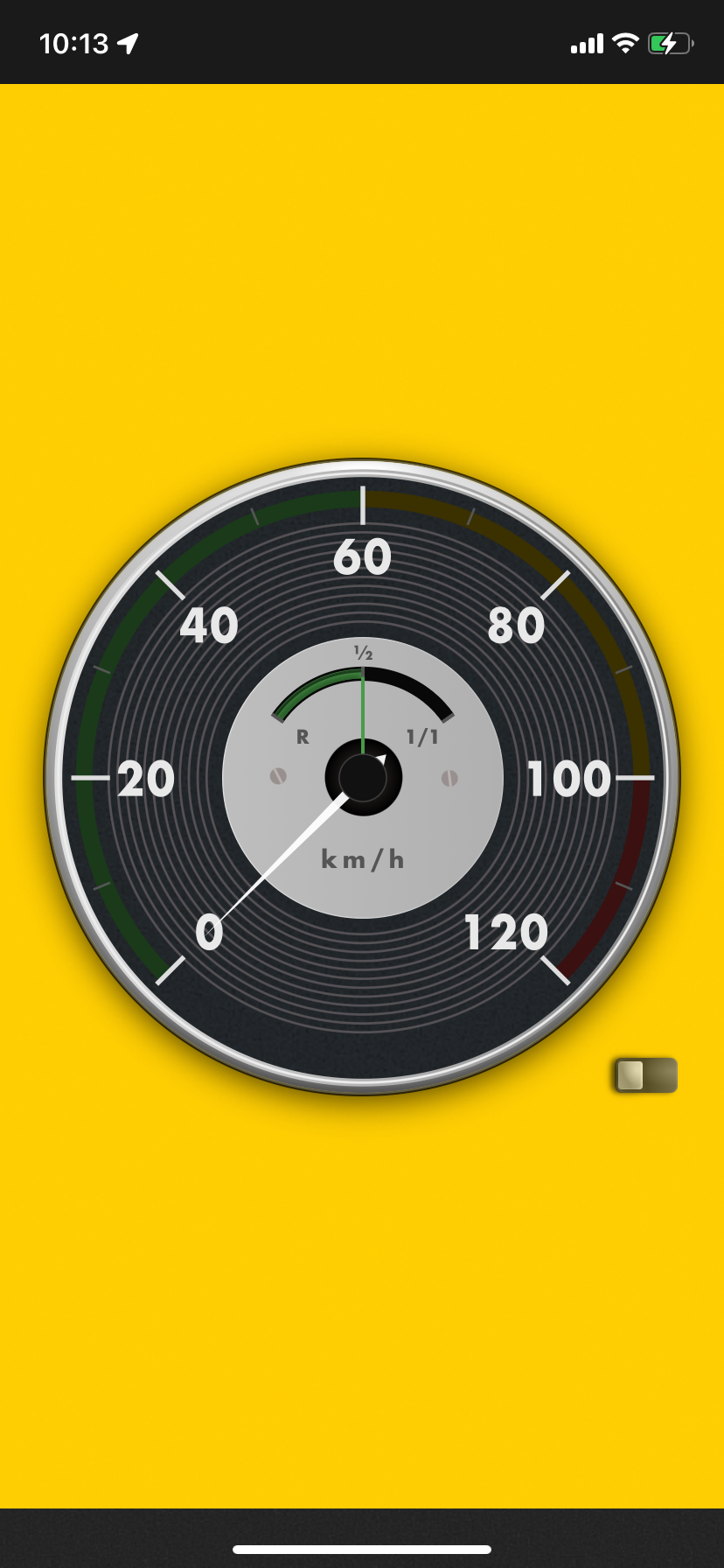
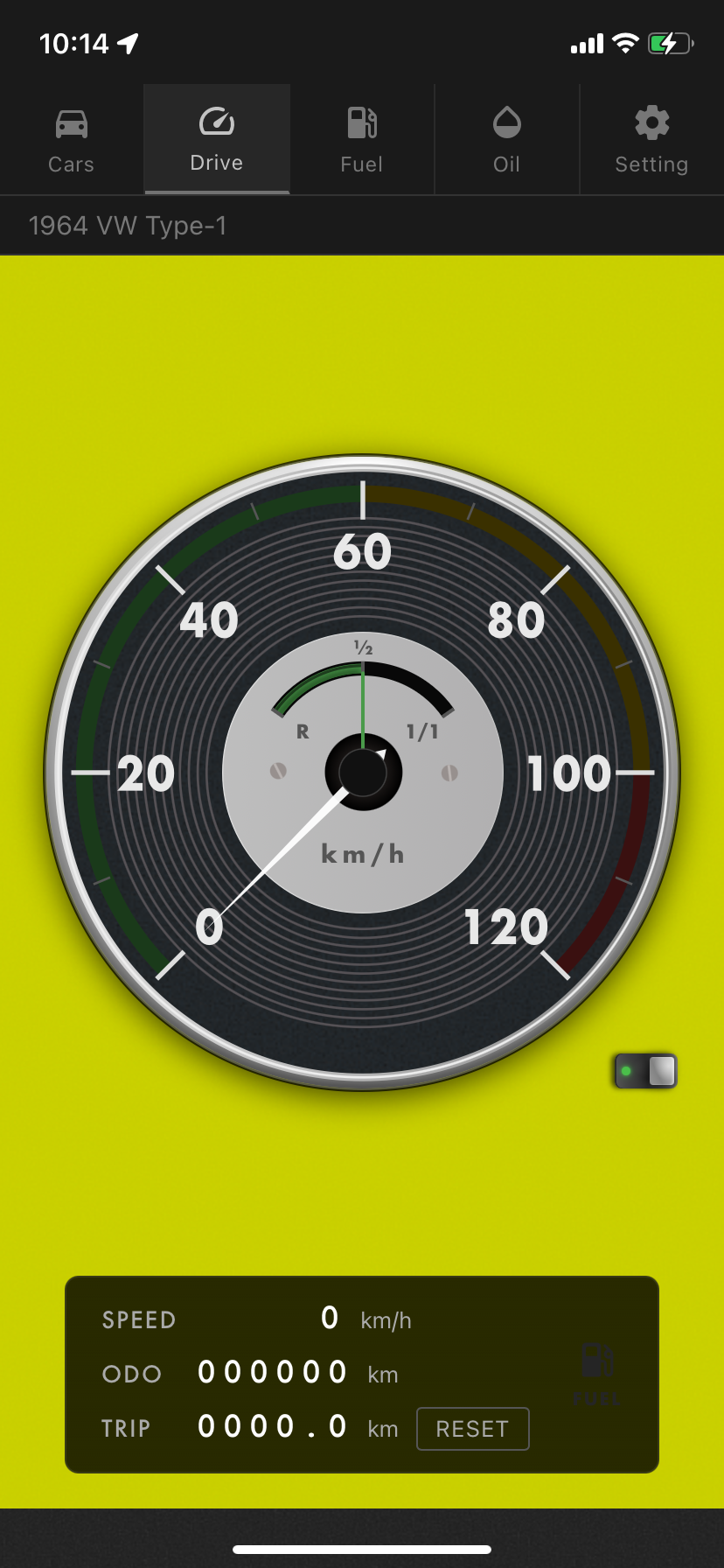
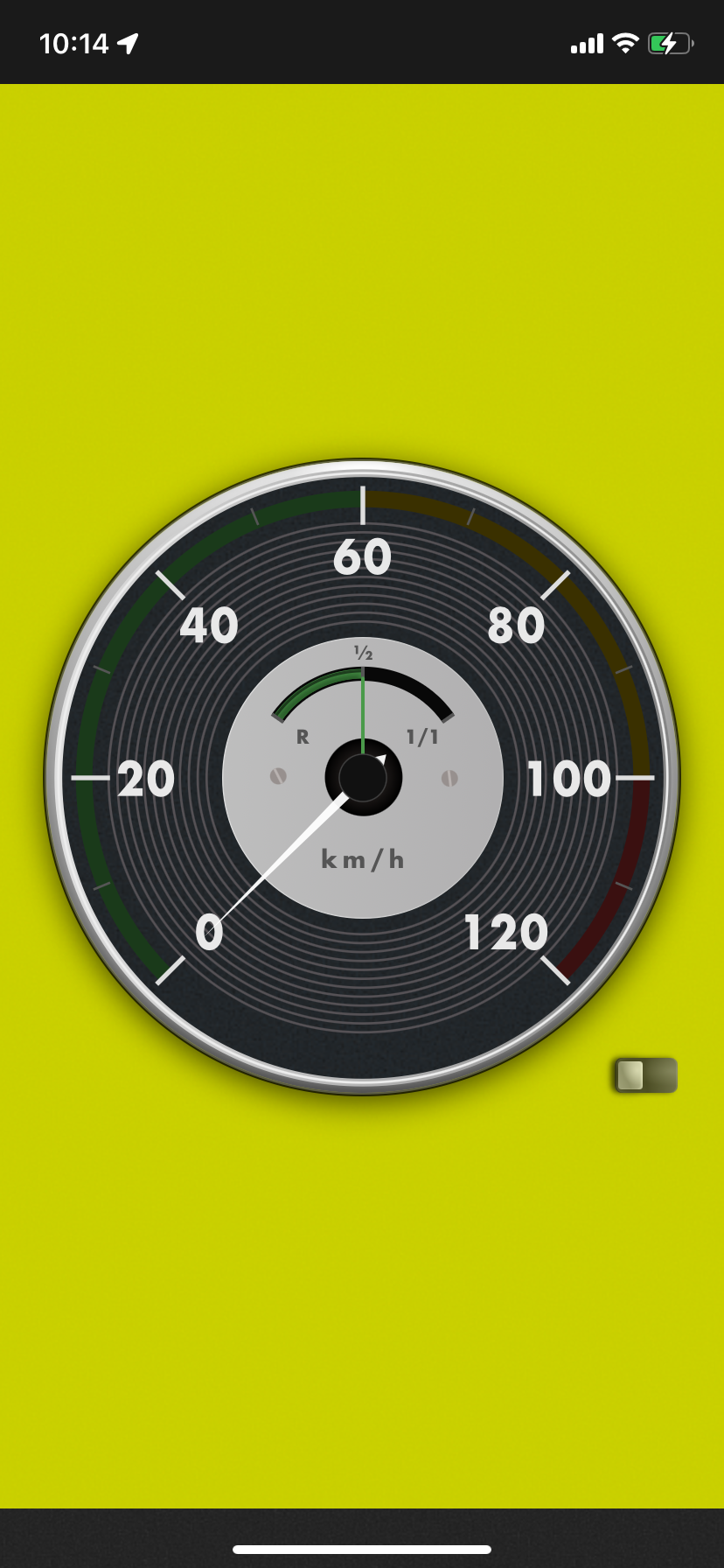
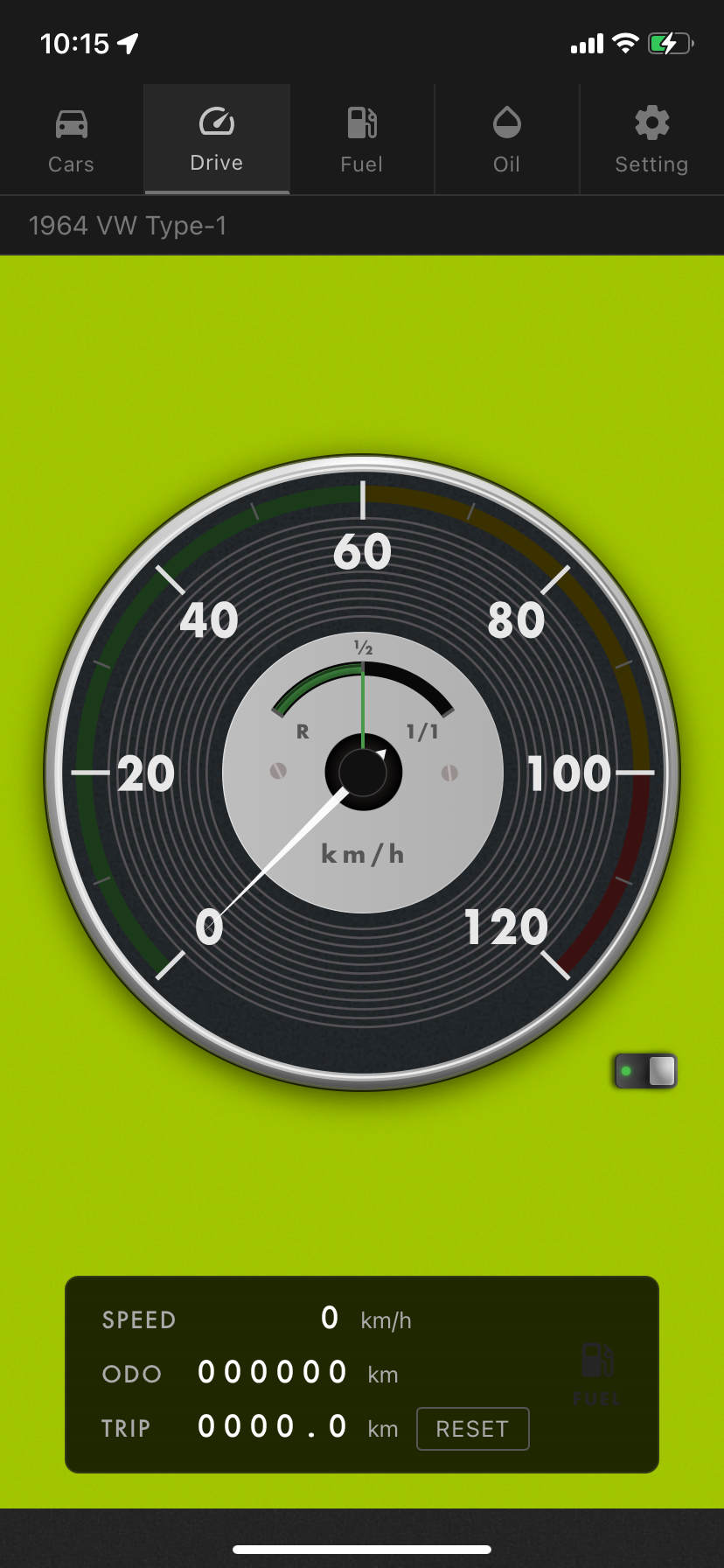
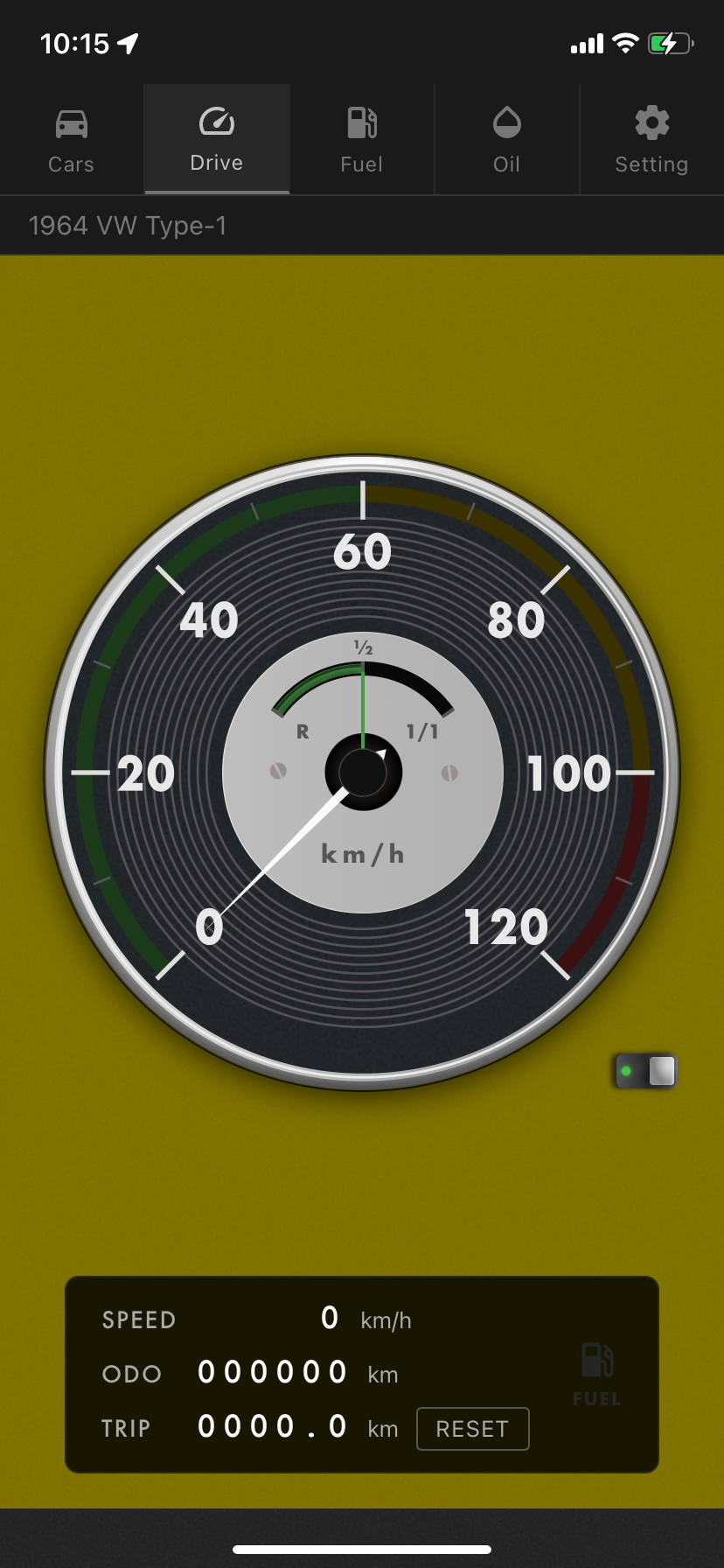
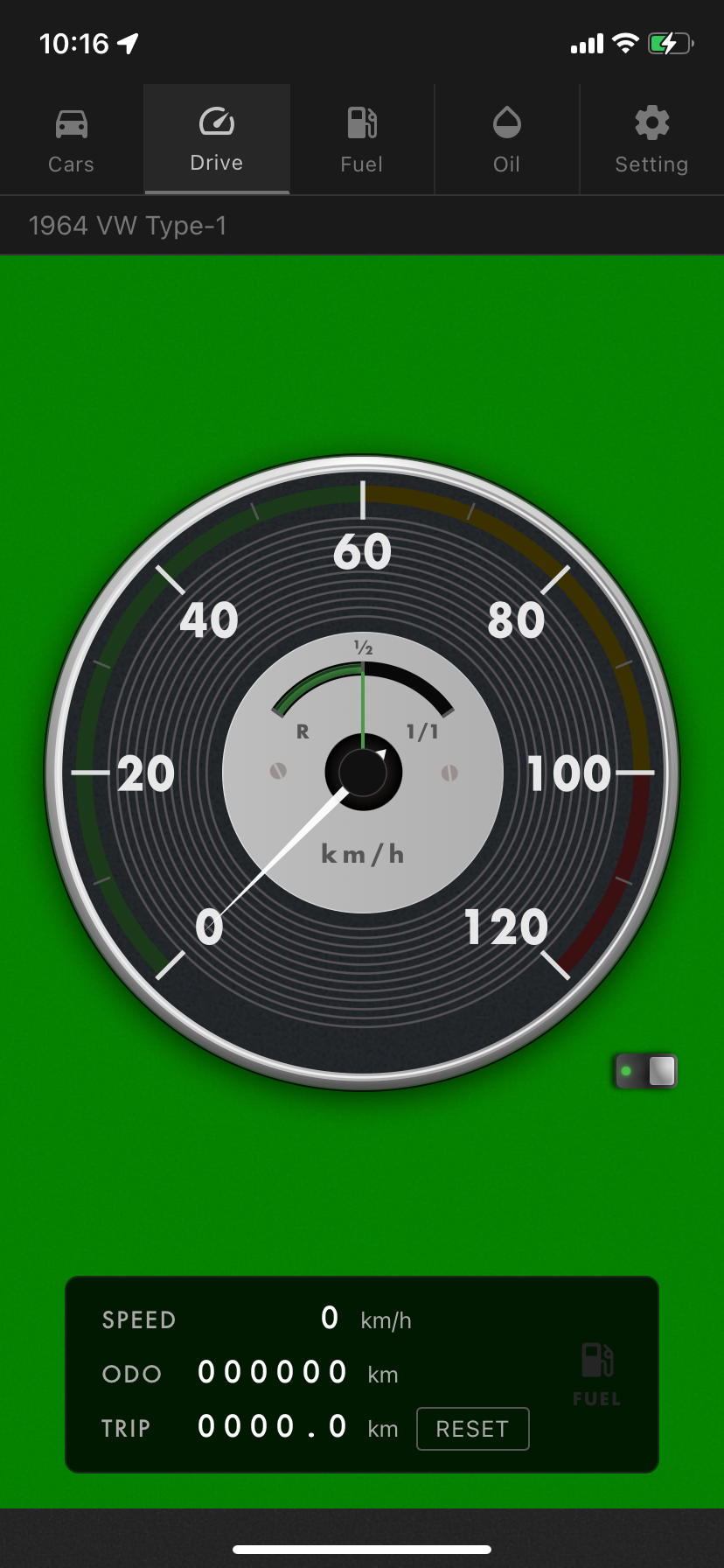
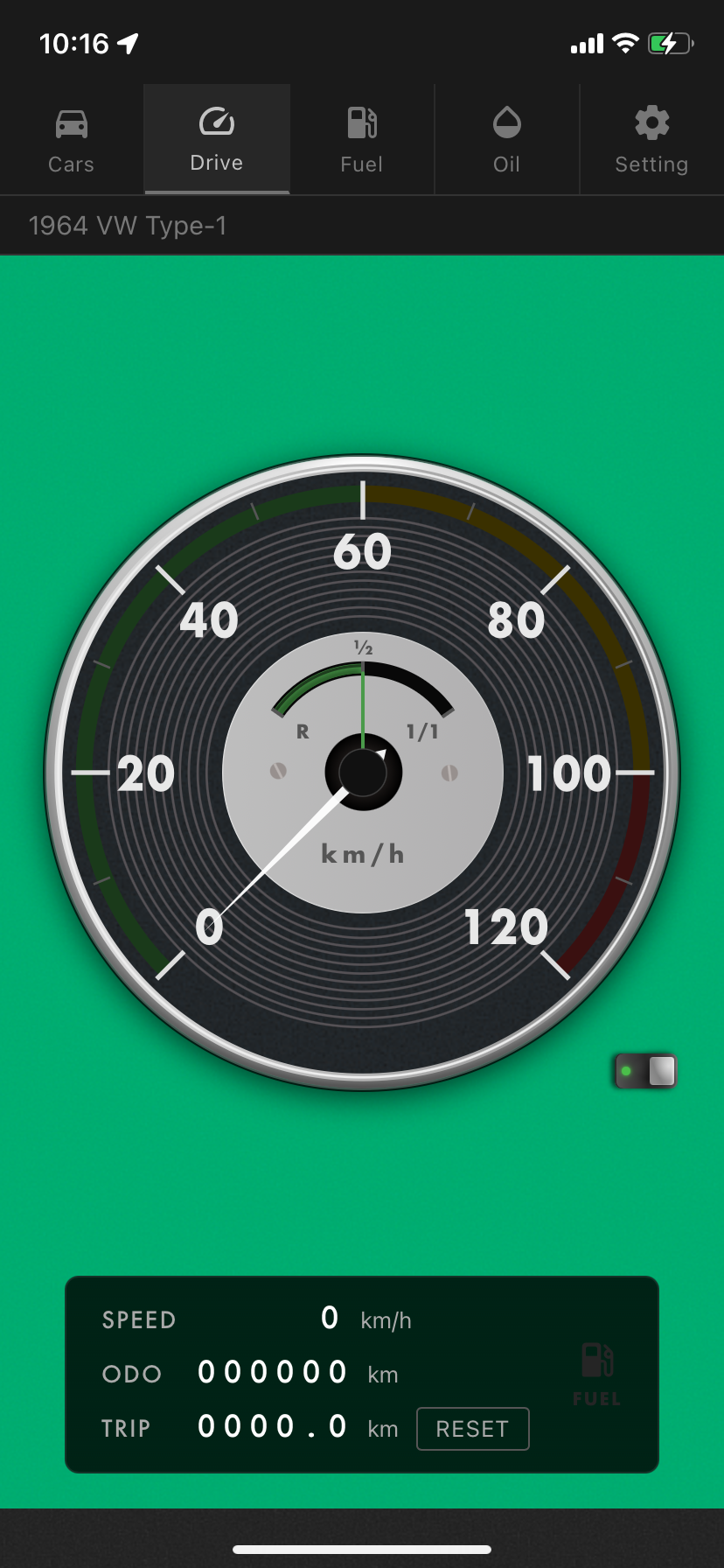
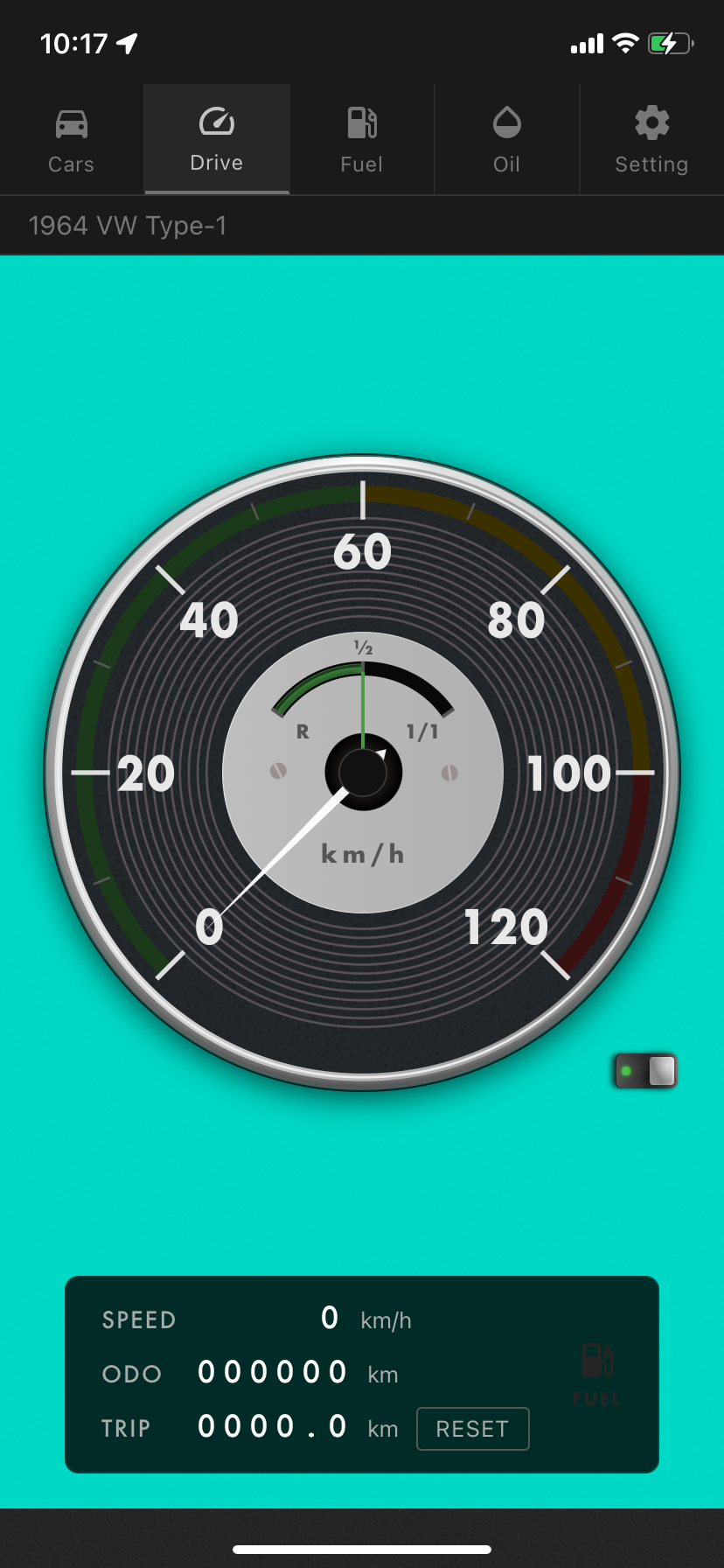
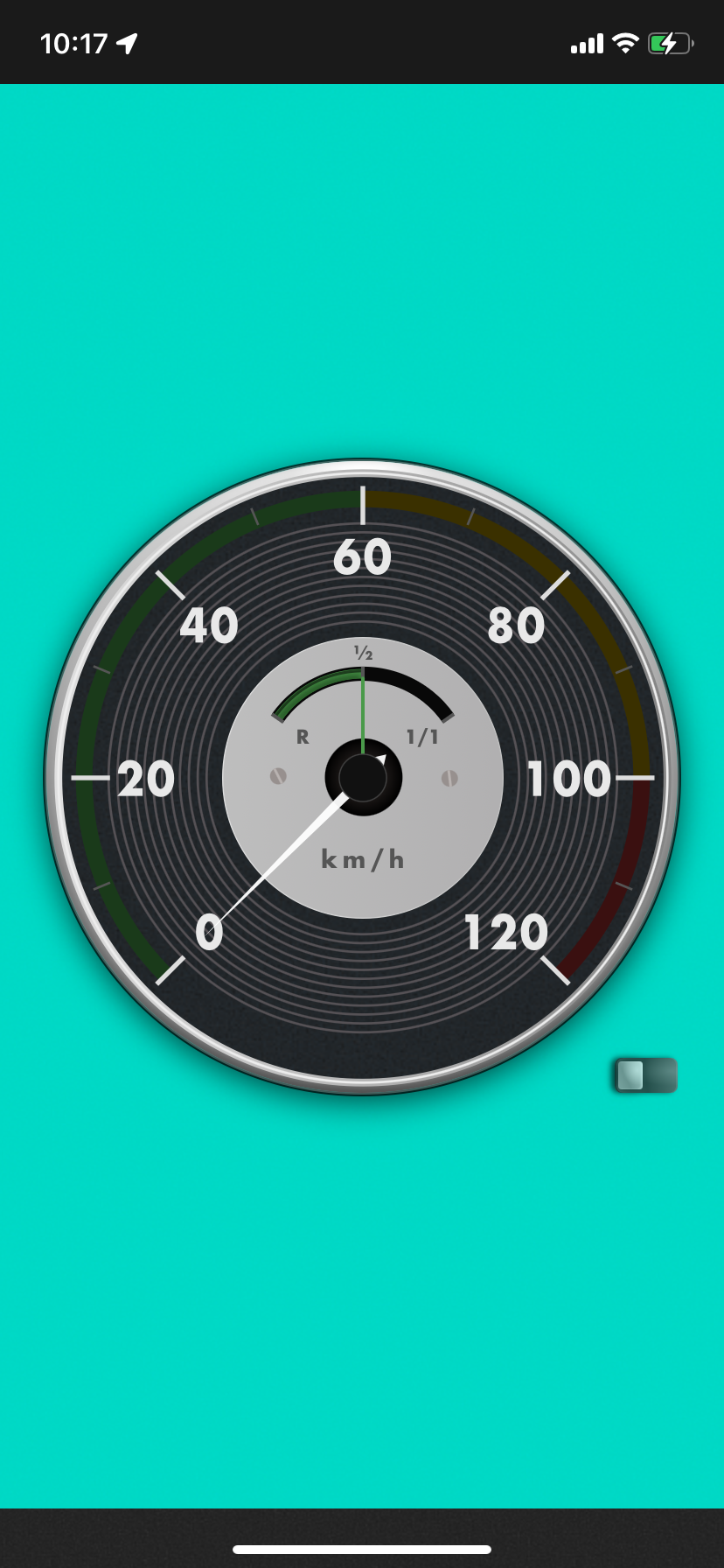
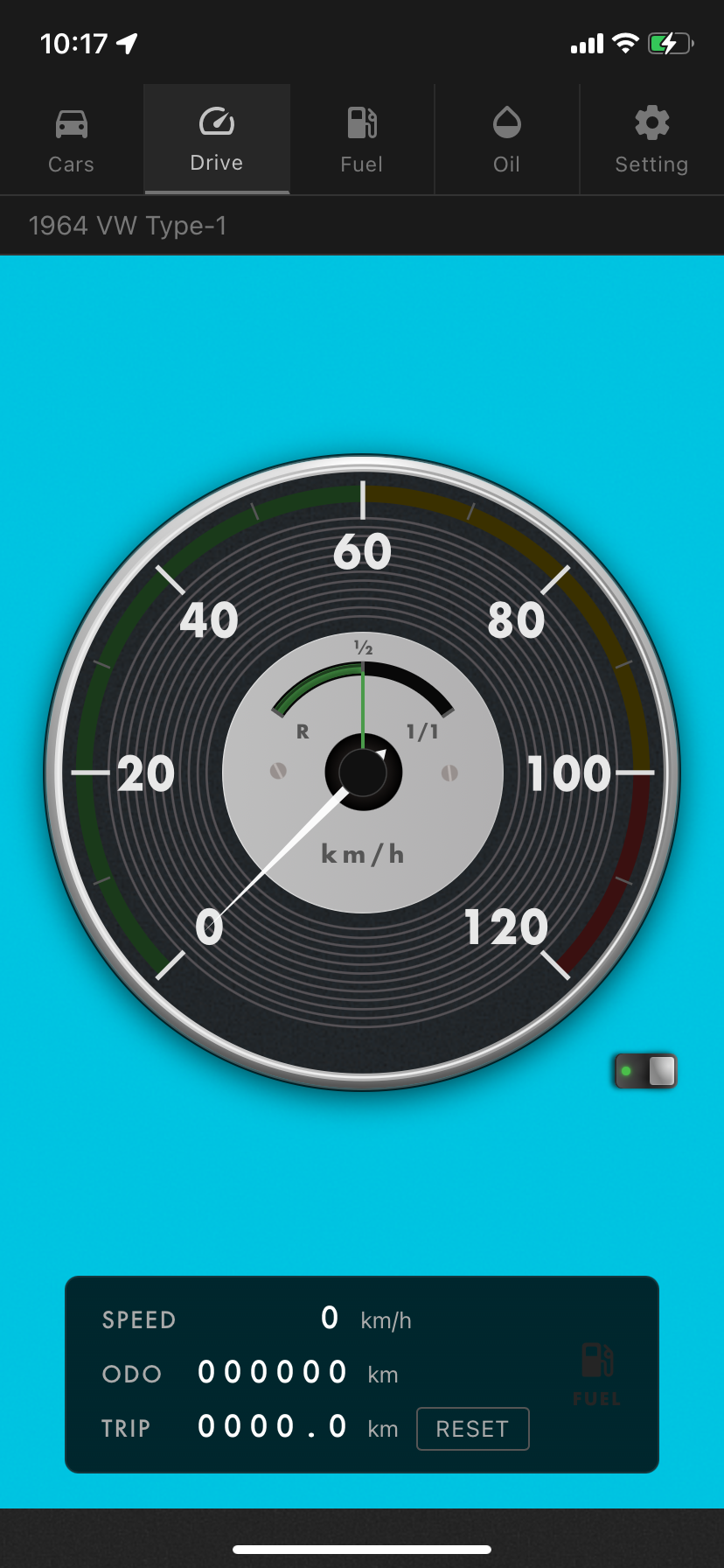
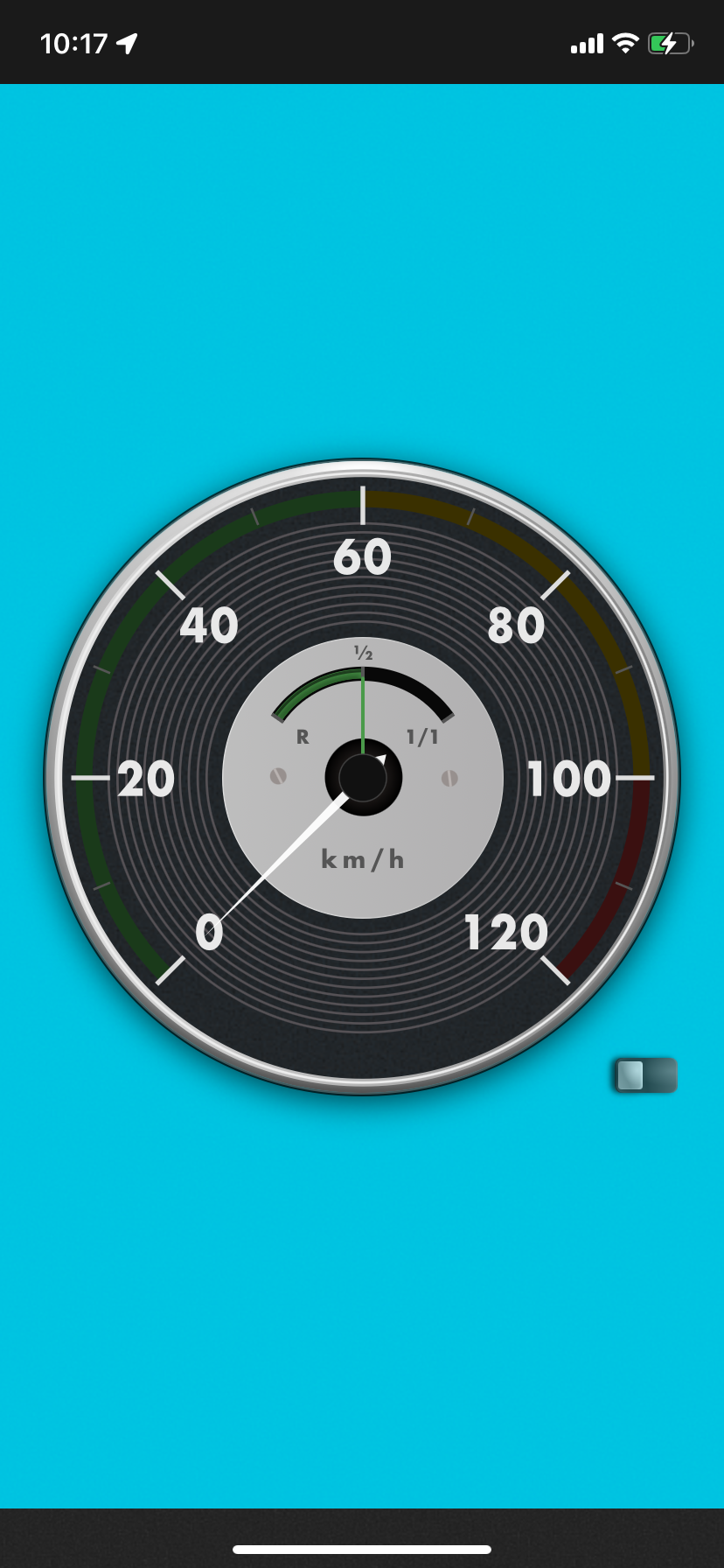
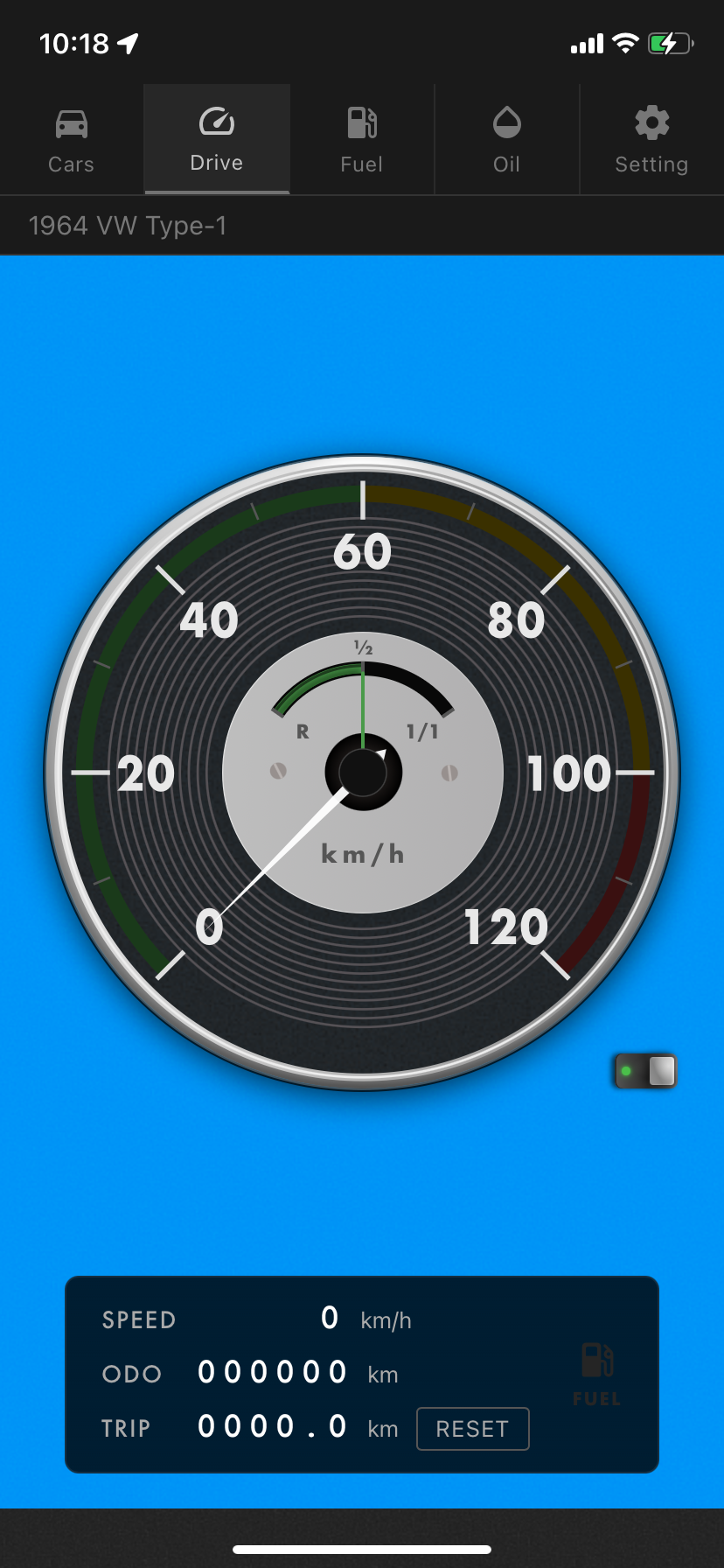
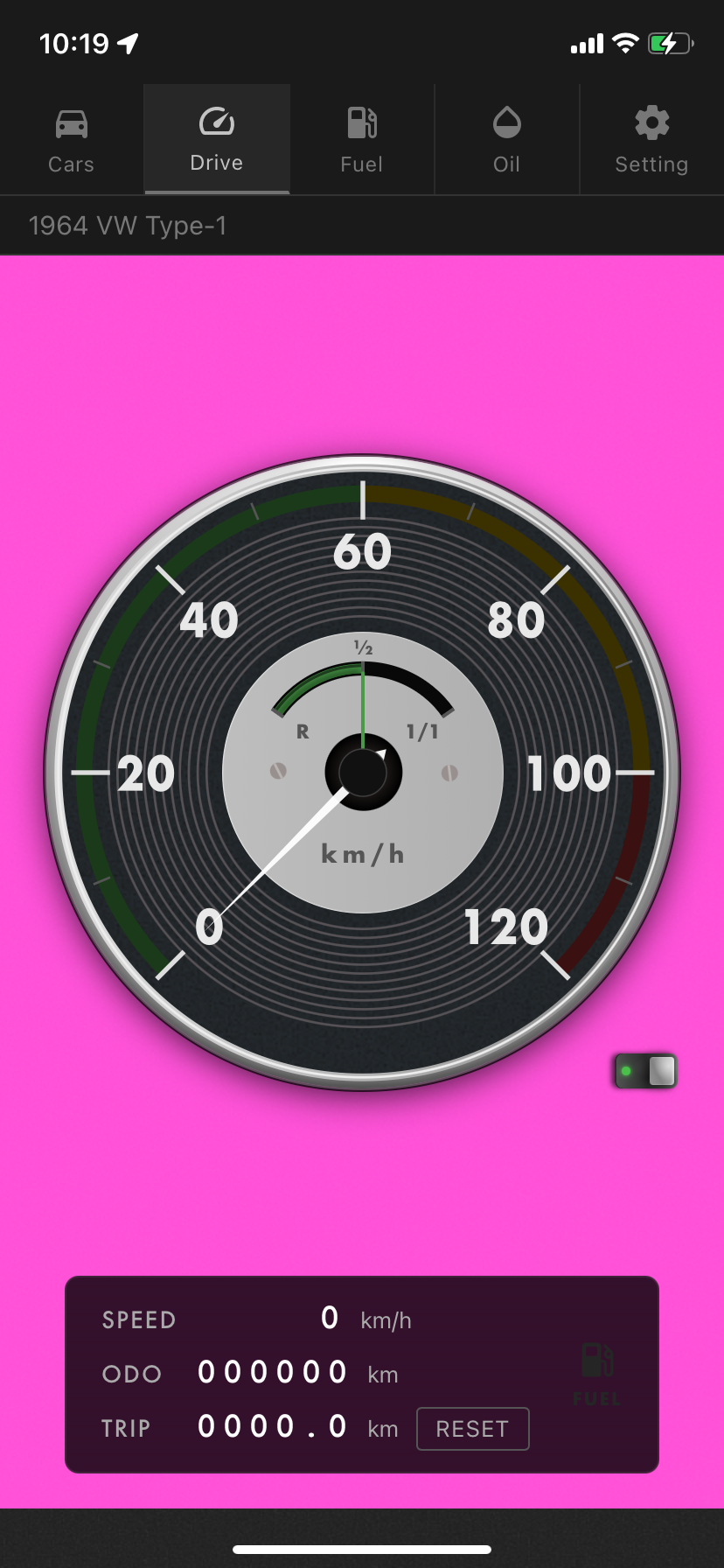
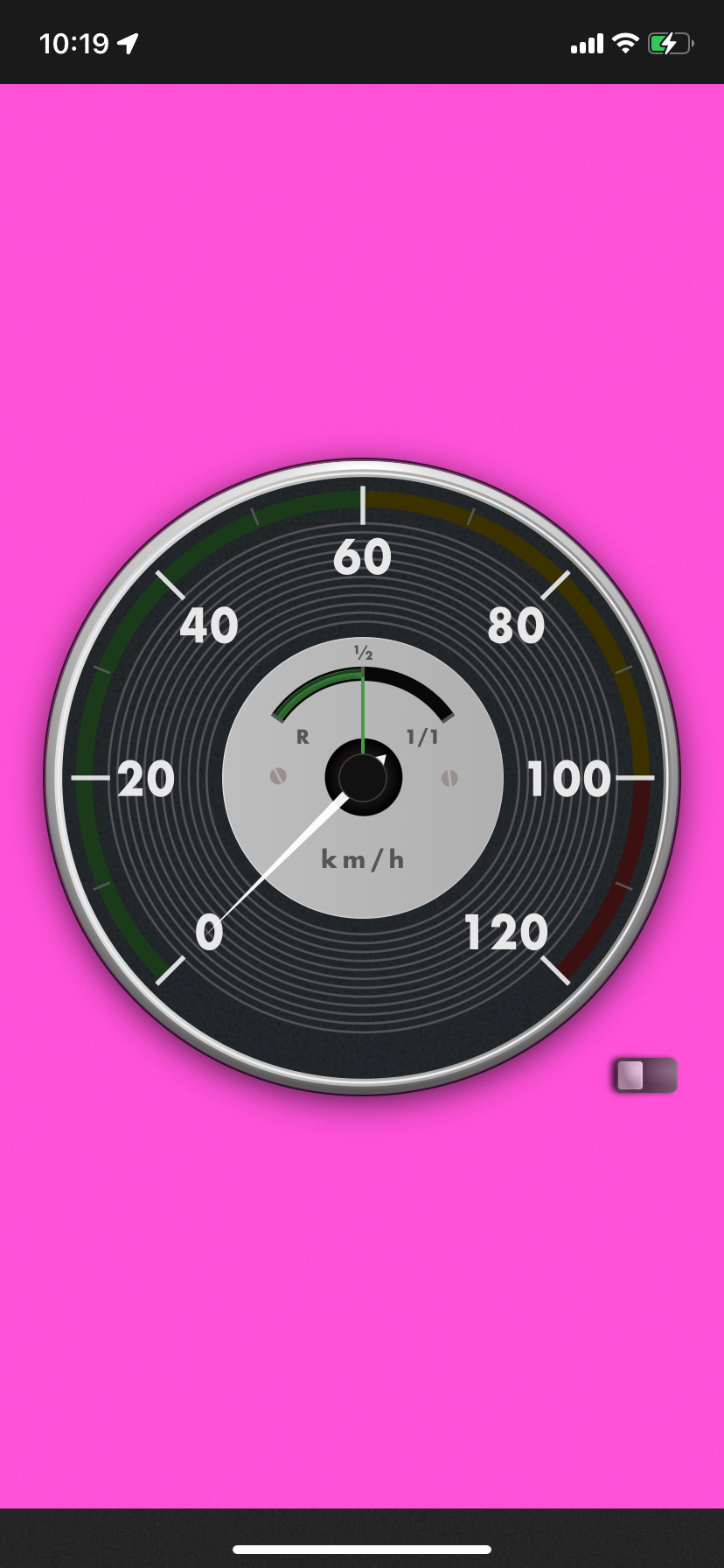
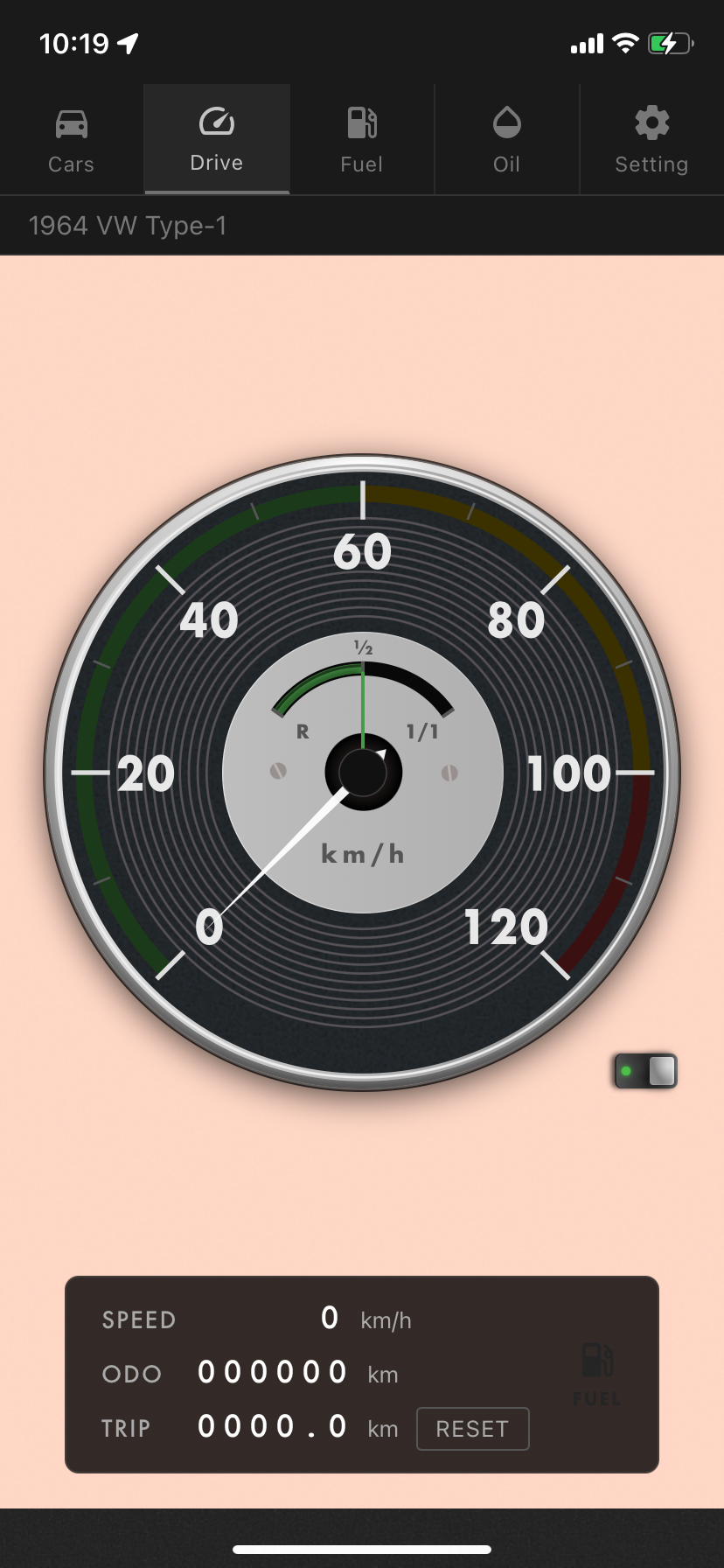
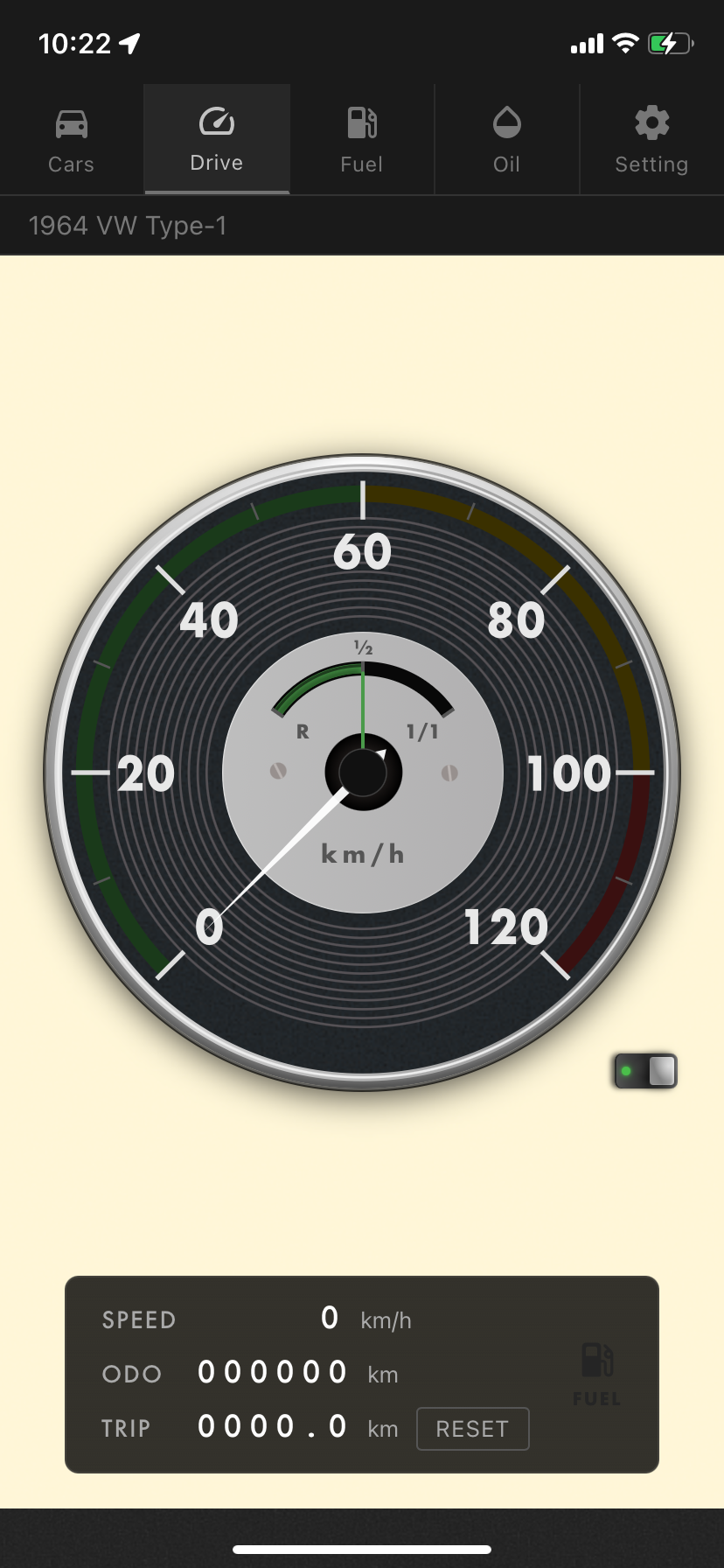
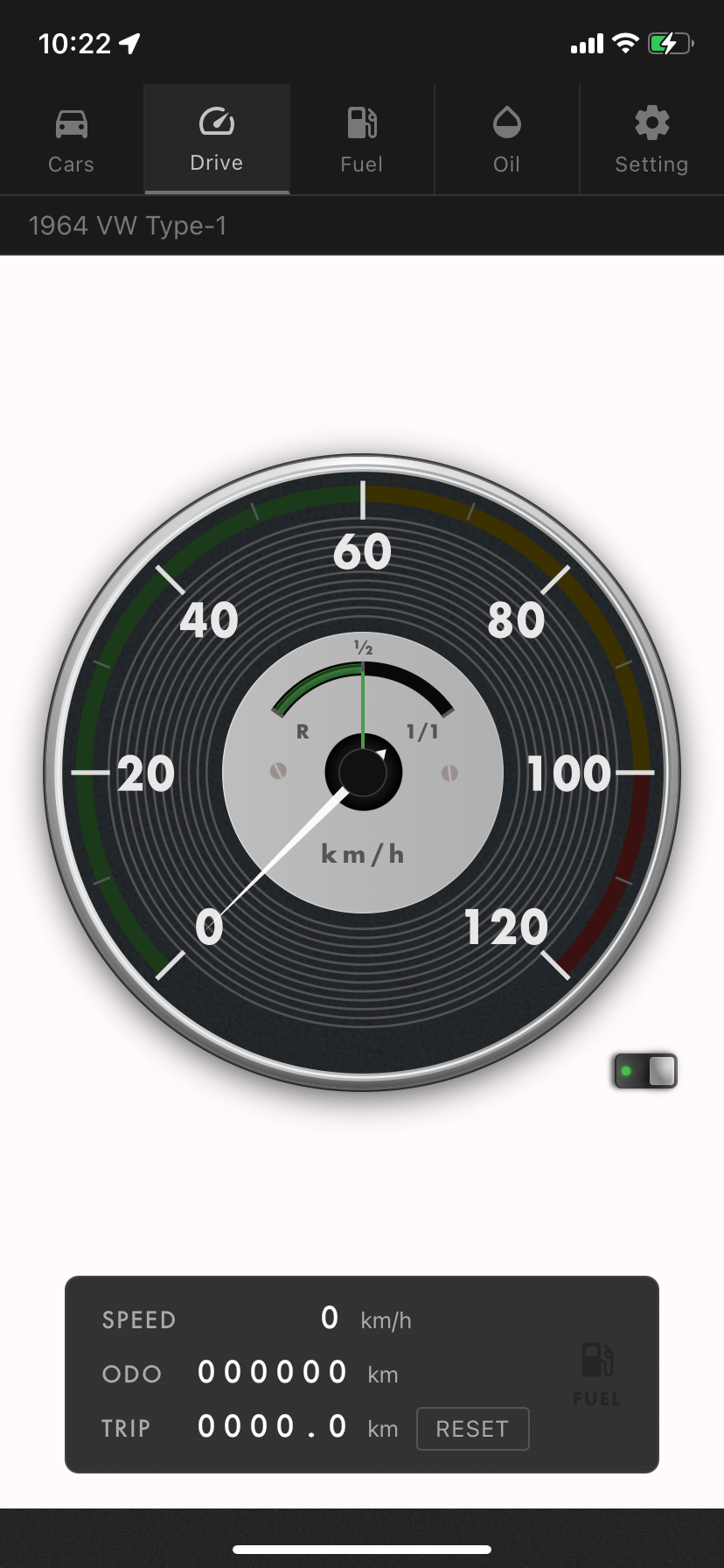
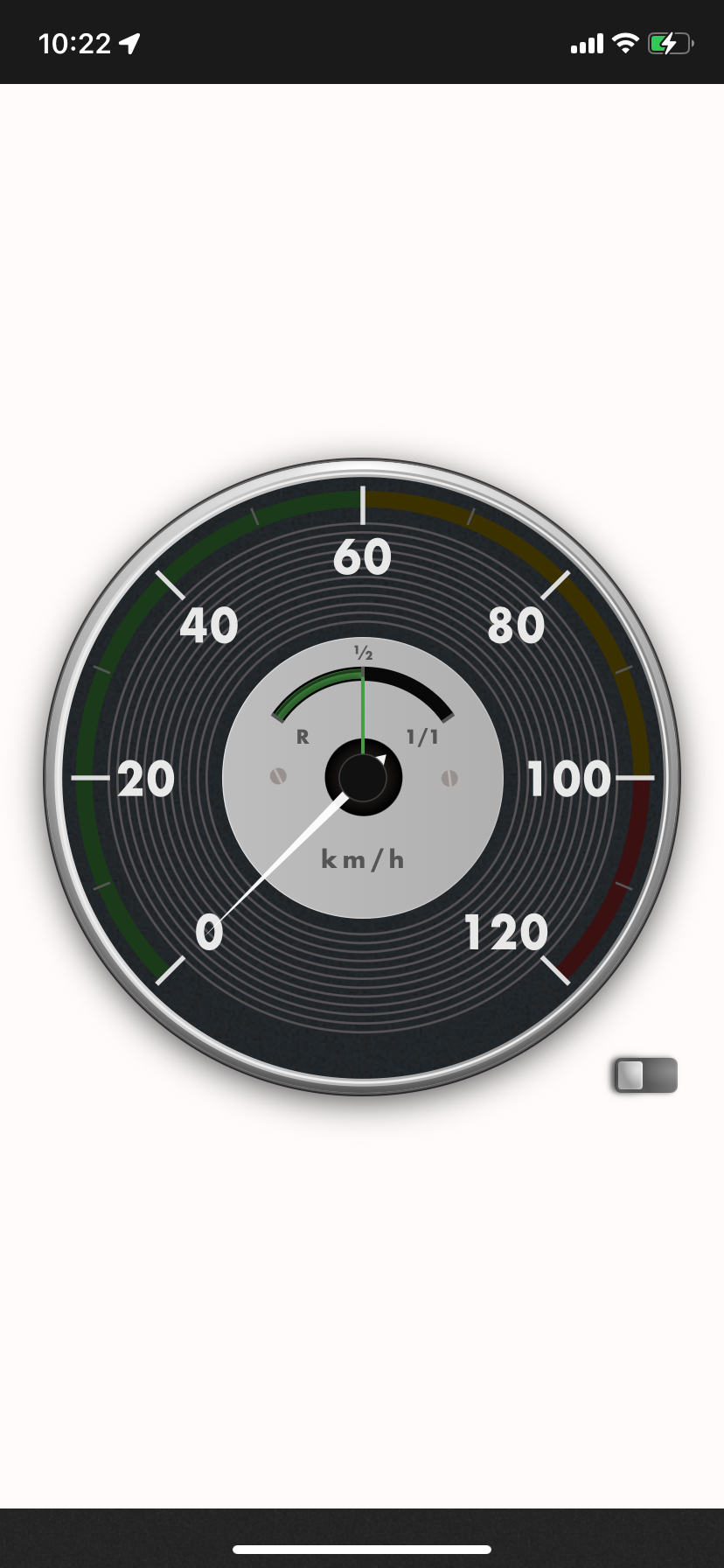
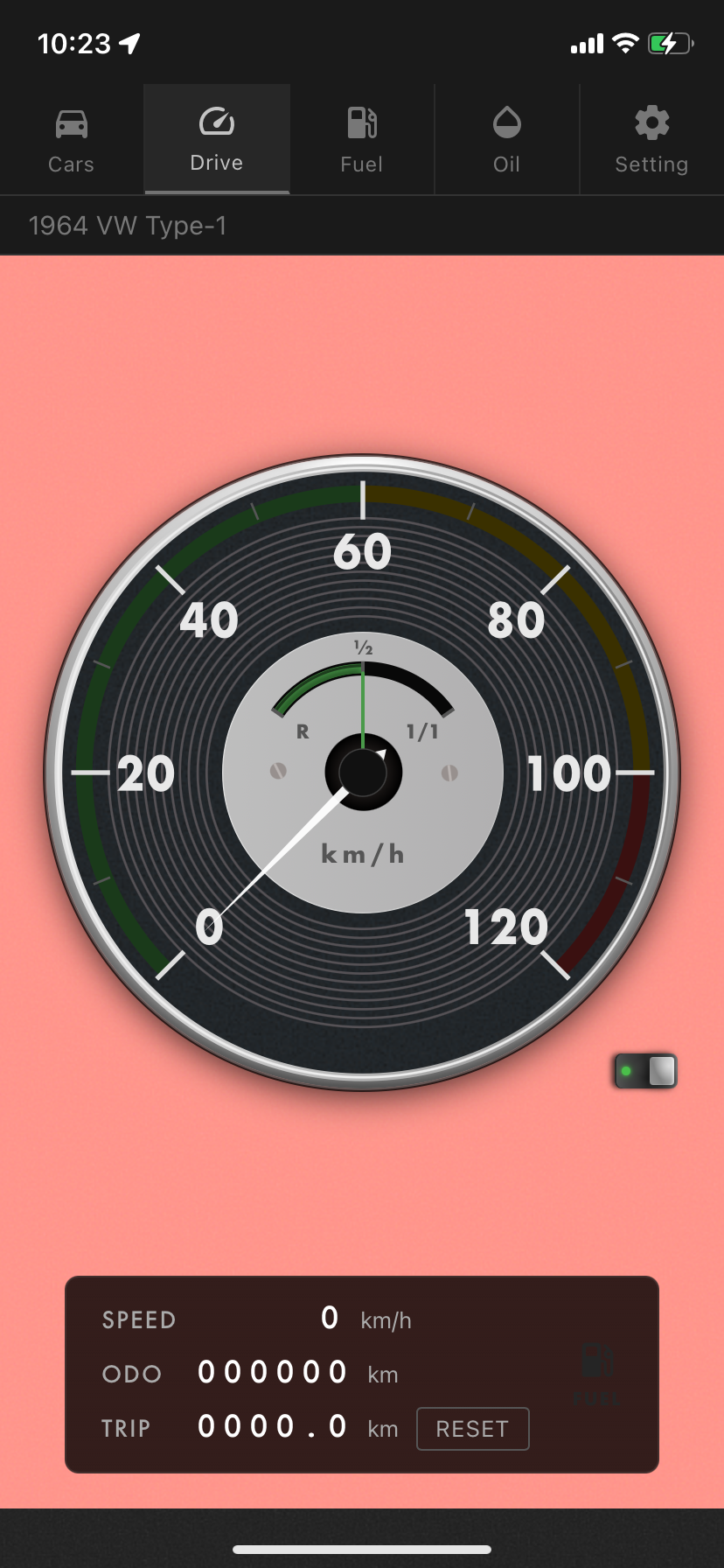
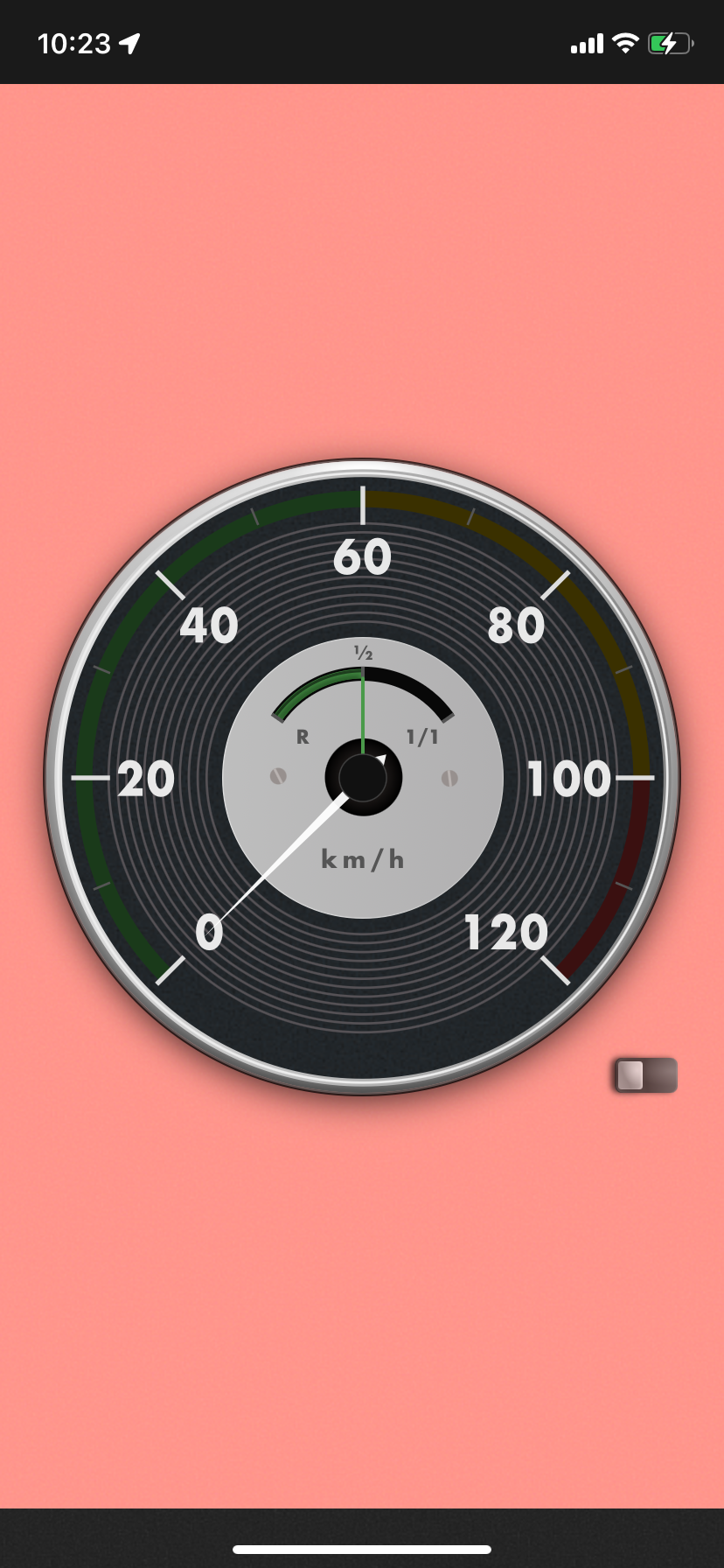
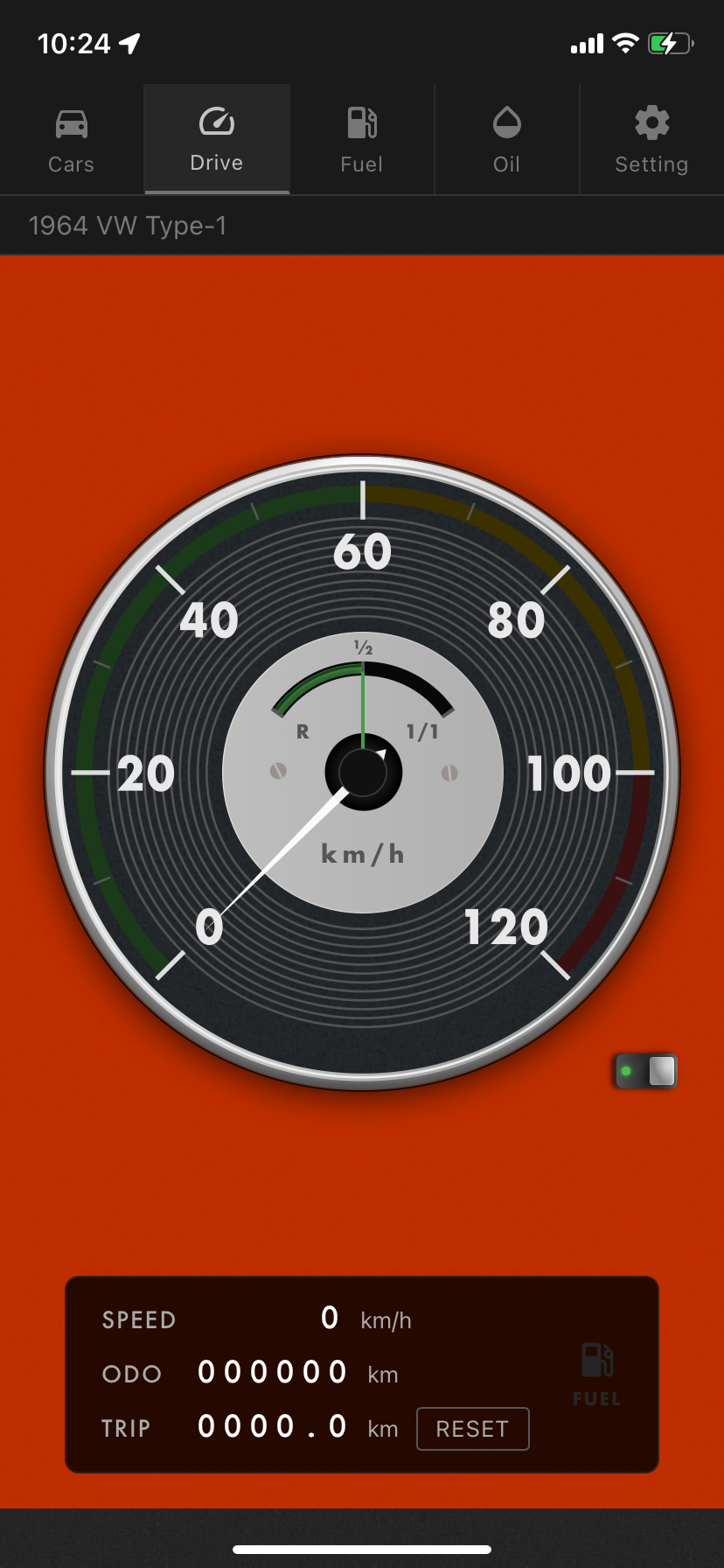
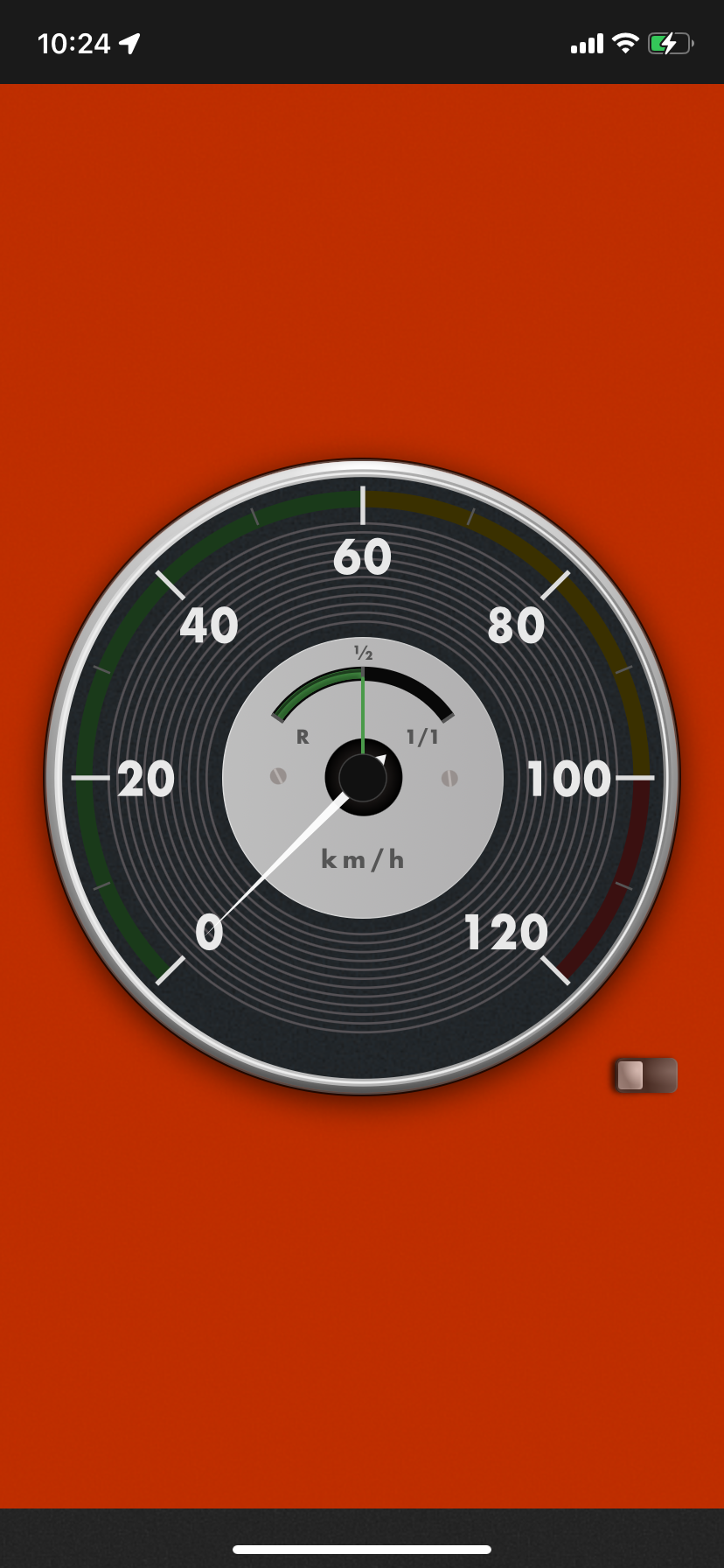
A management app for vintage car enthusiasts with freely customizable speedometer background colors to match your interior
Latest version 1.6.1 (Oct 10, 2026) Release notes ›
Features
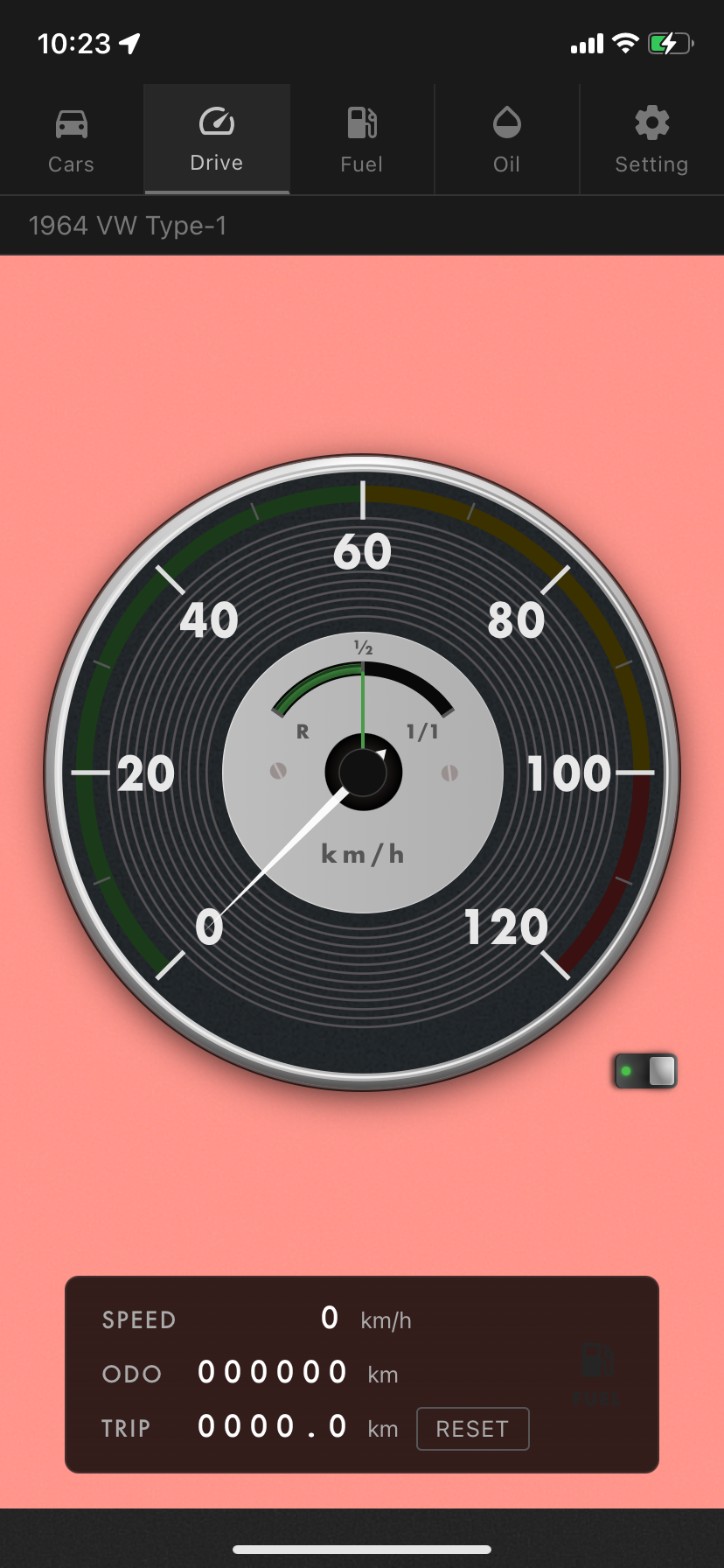
Real-time speed display powered by GPS, with km/h and mph switching. Automatically measures ODO (total mileage) and TRIP (interval distance), managed independently per vehicle with multi-vehicle support.
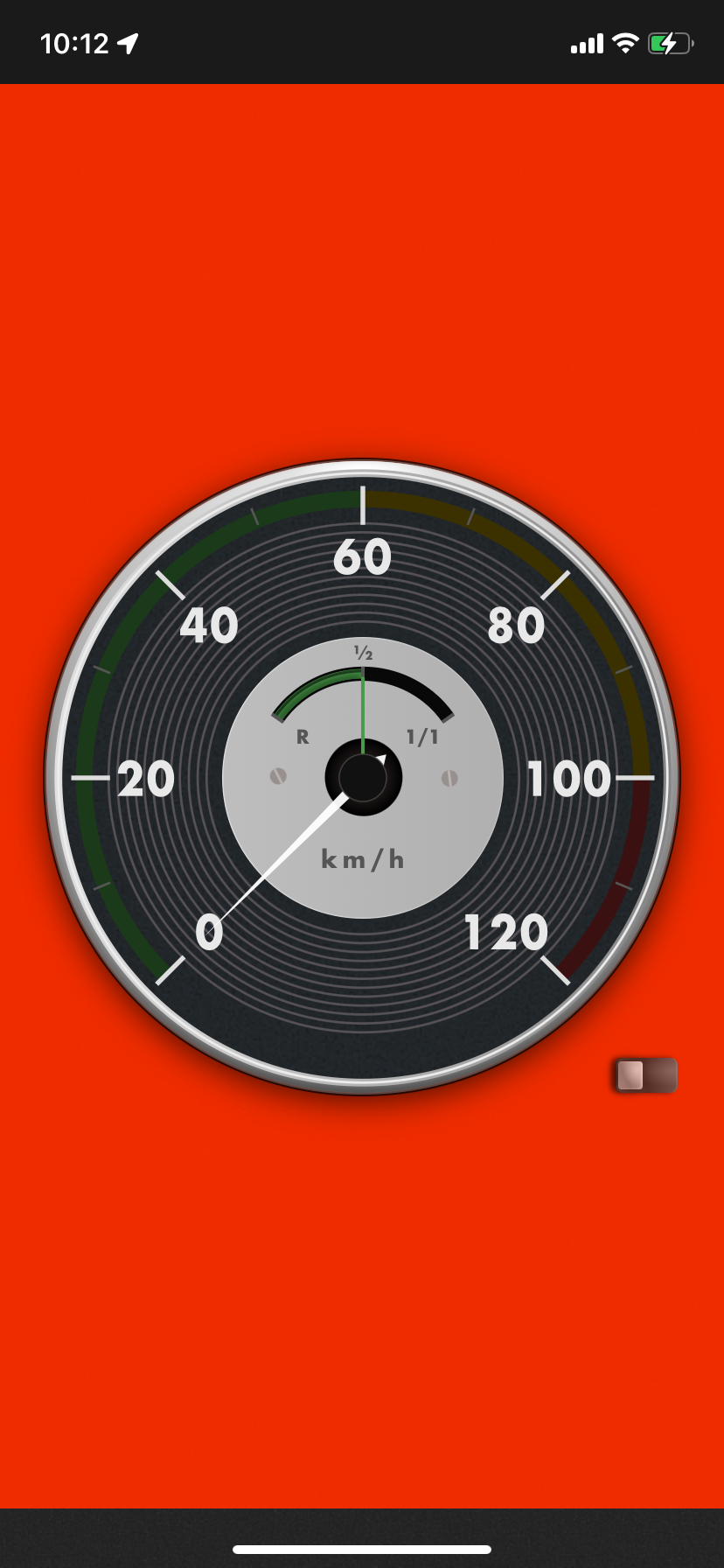
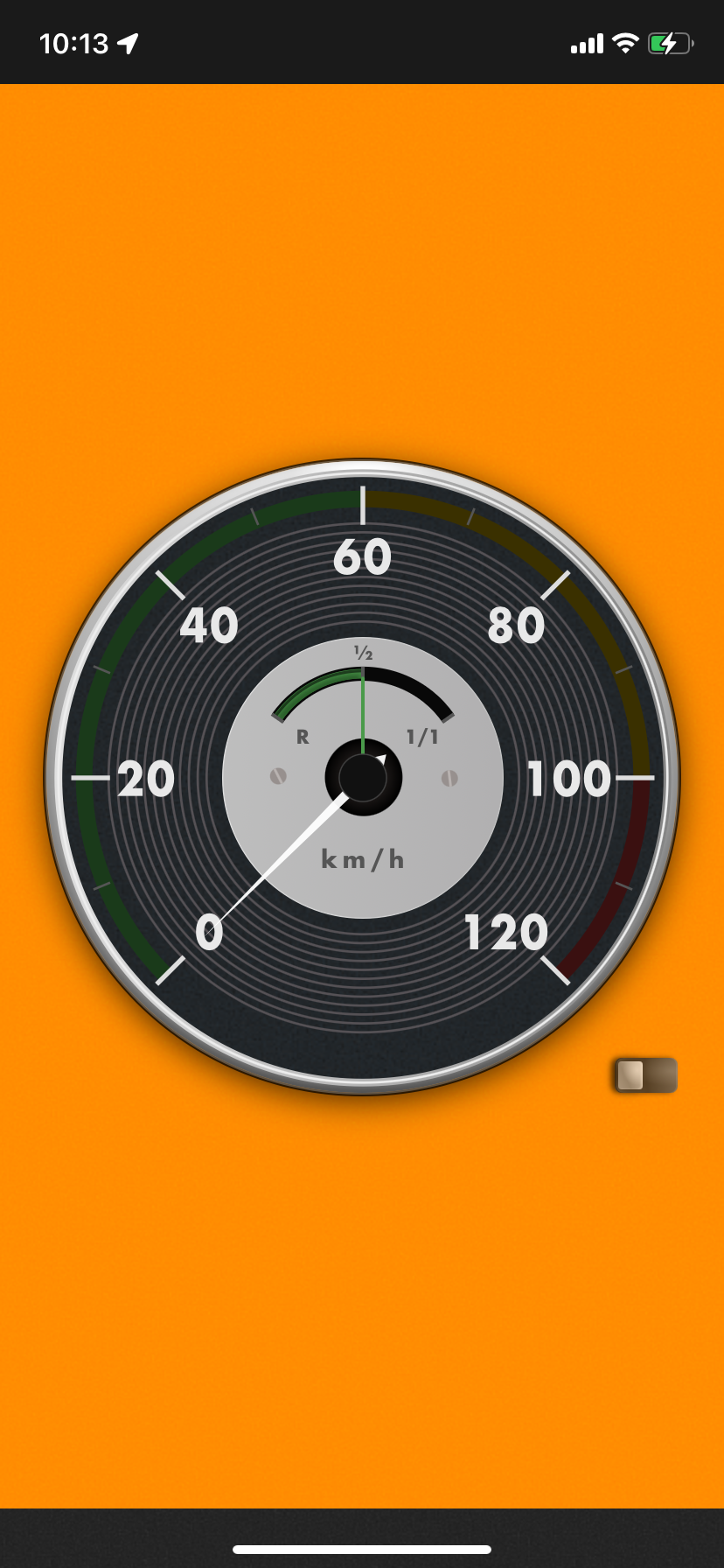
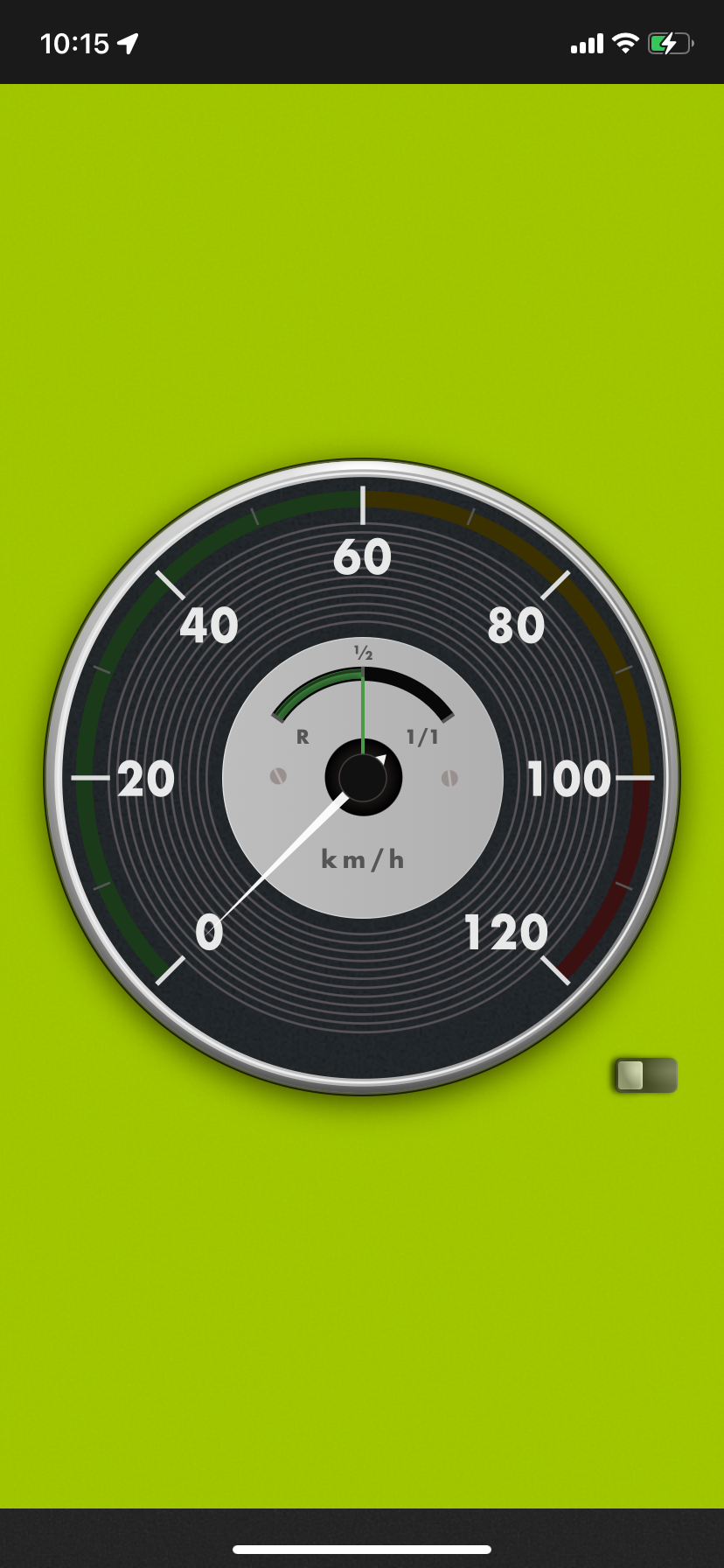
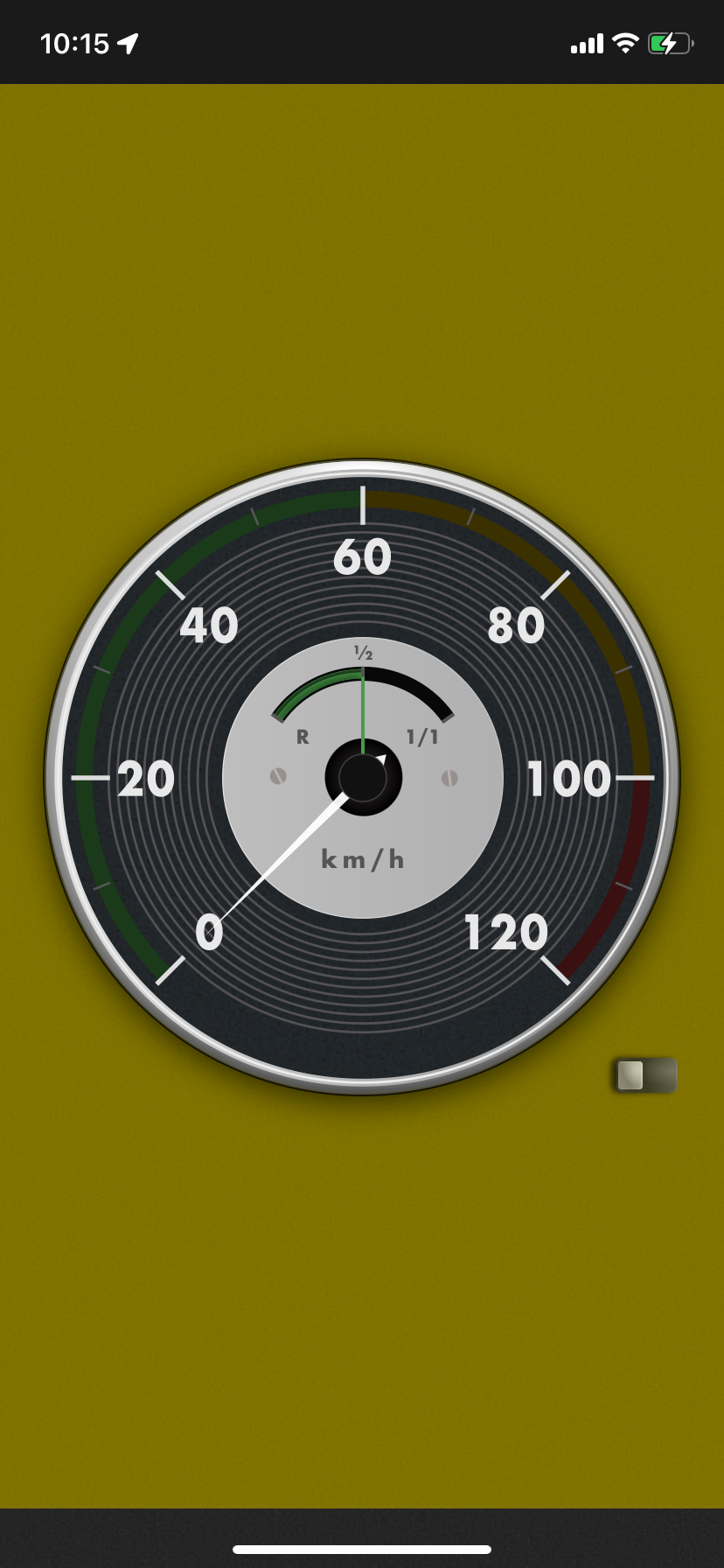
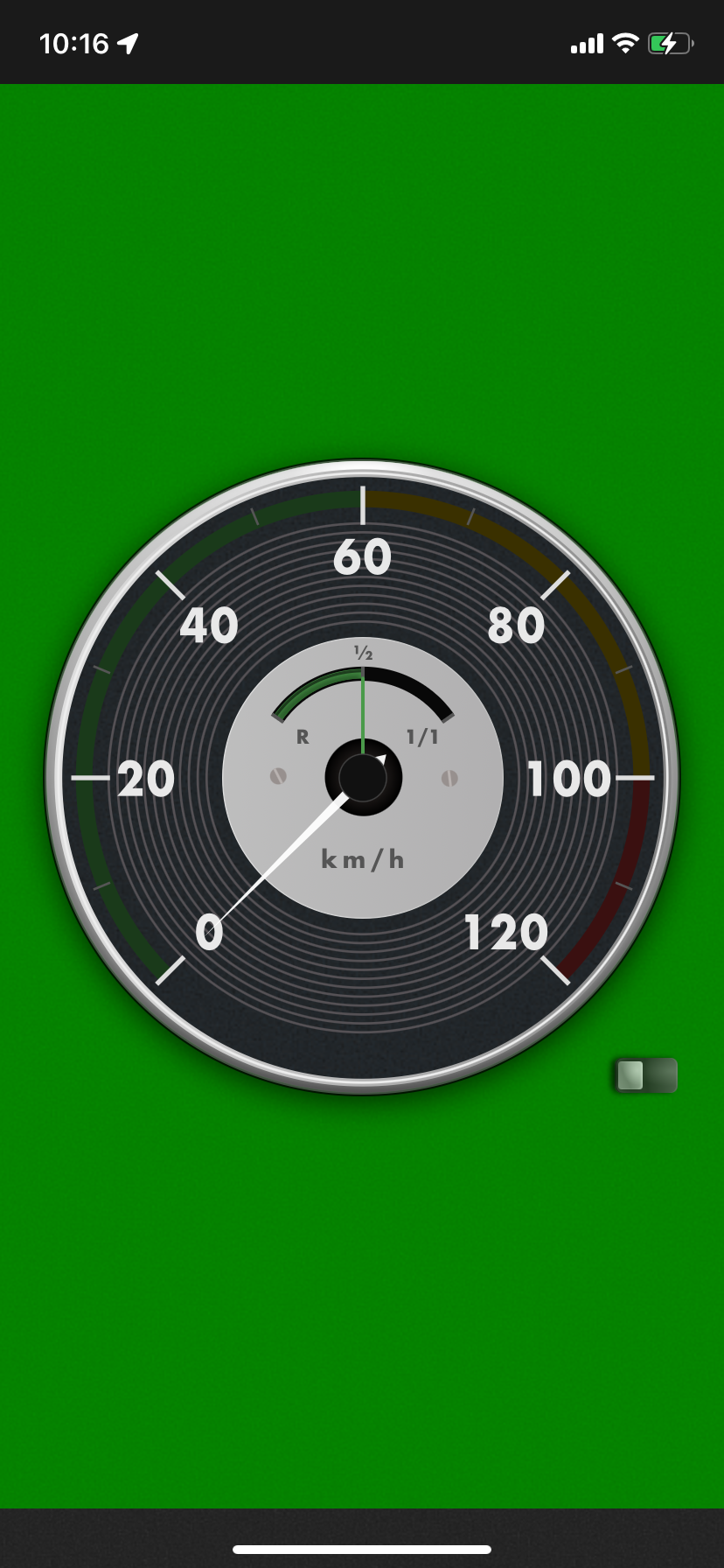
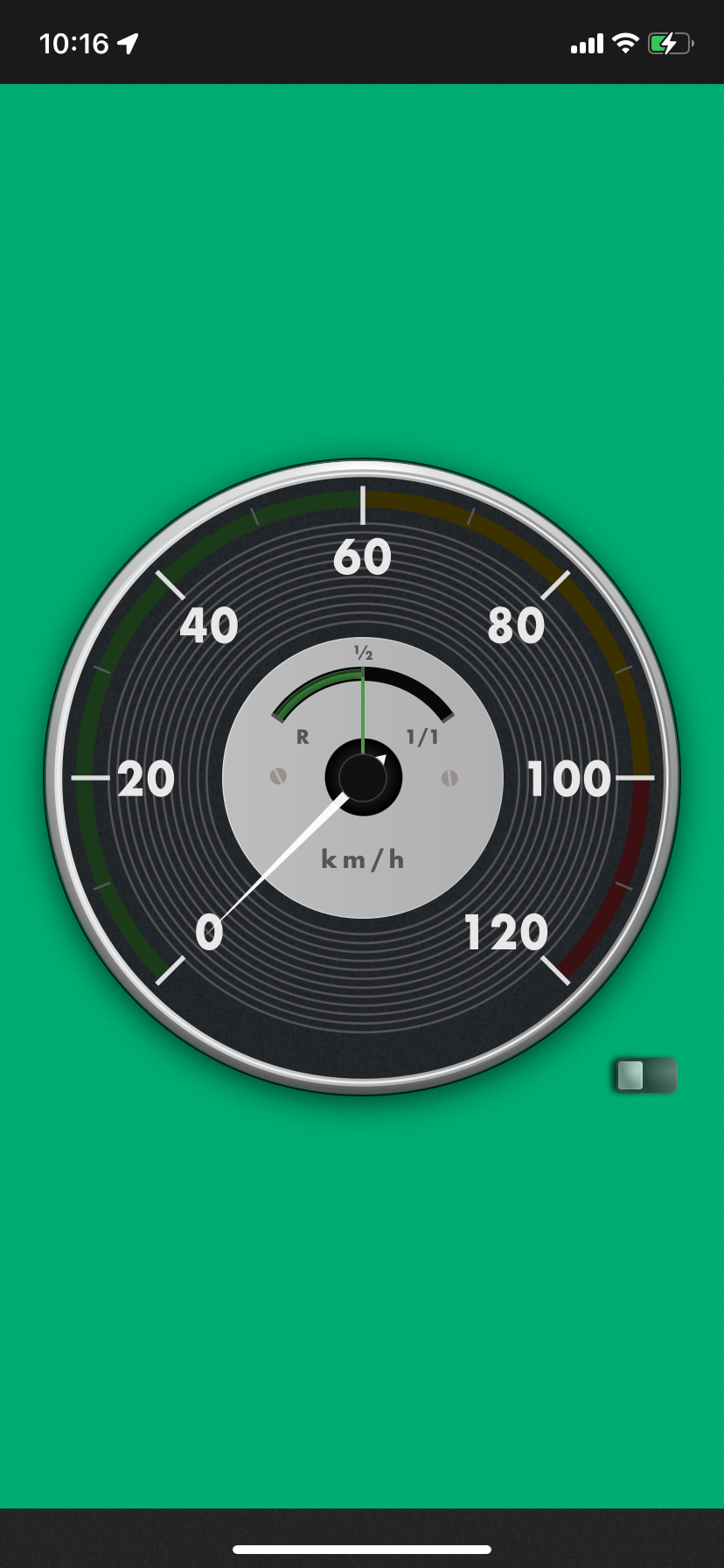
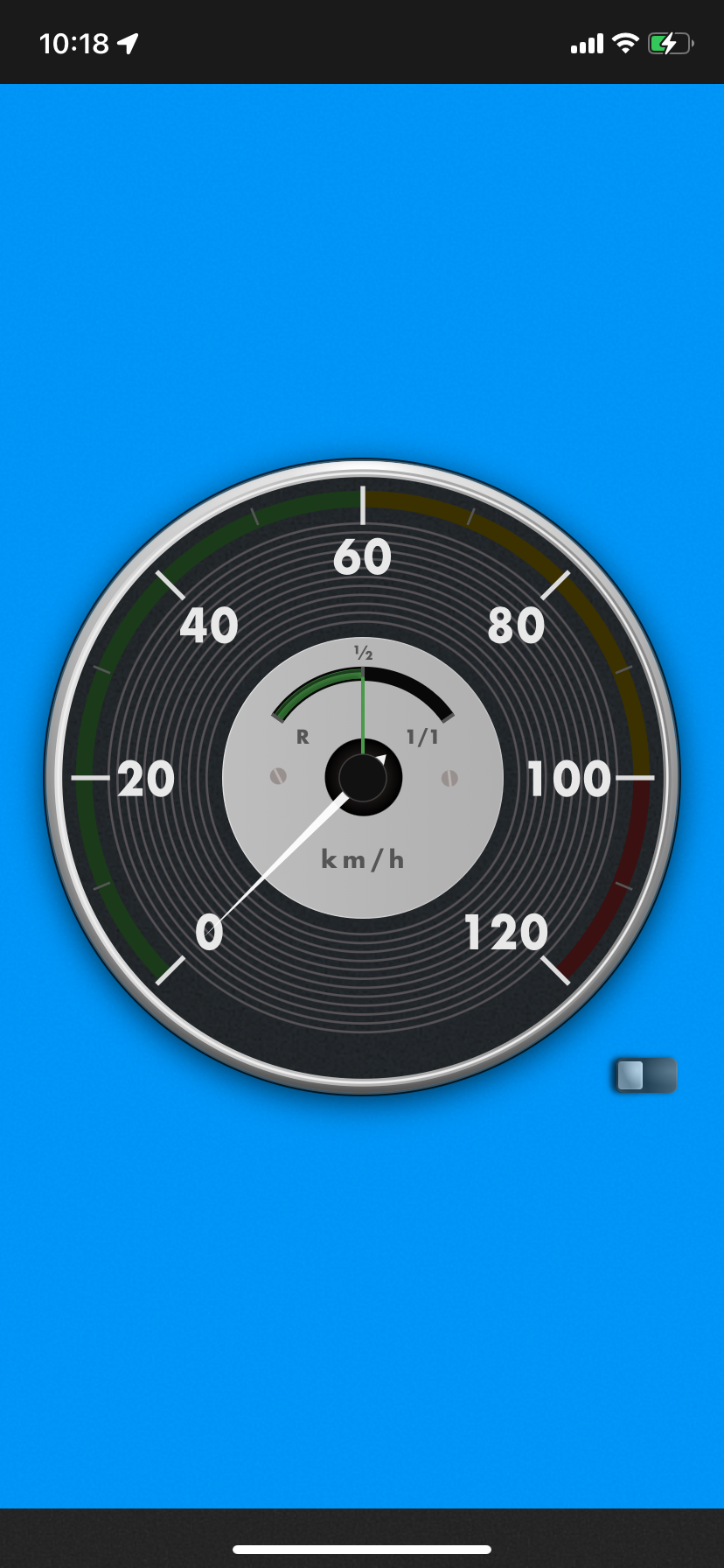
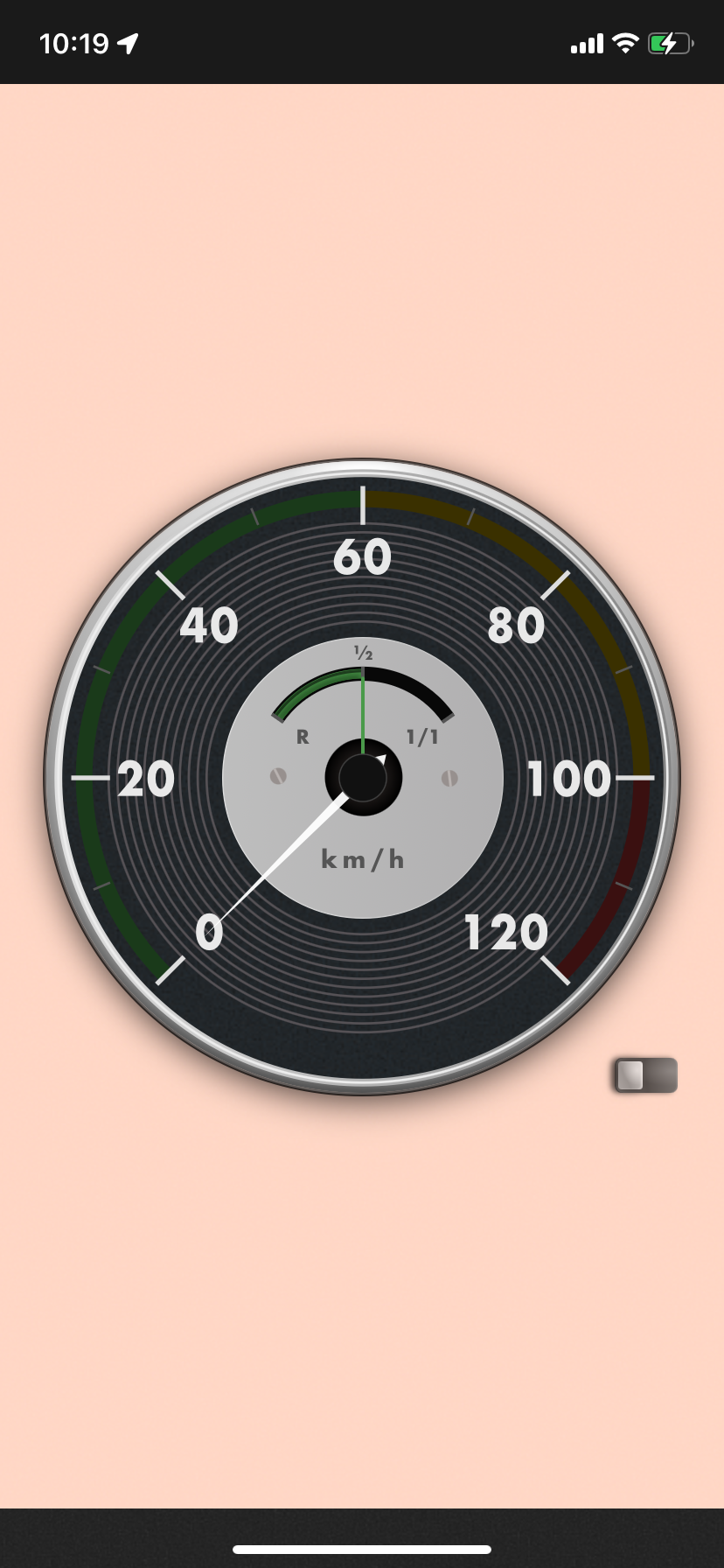
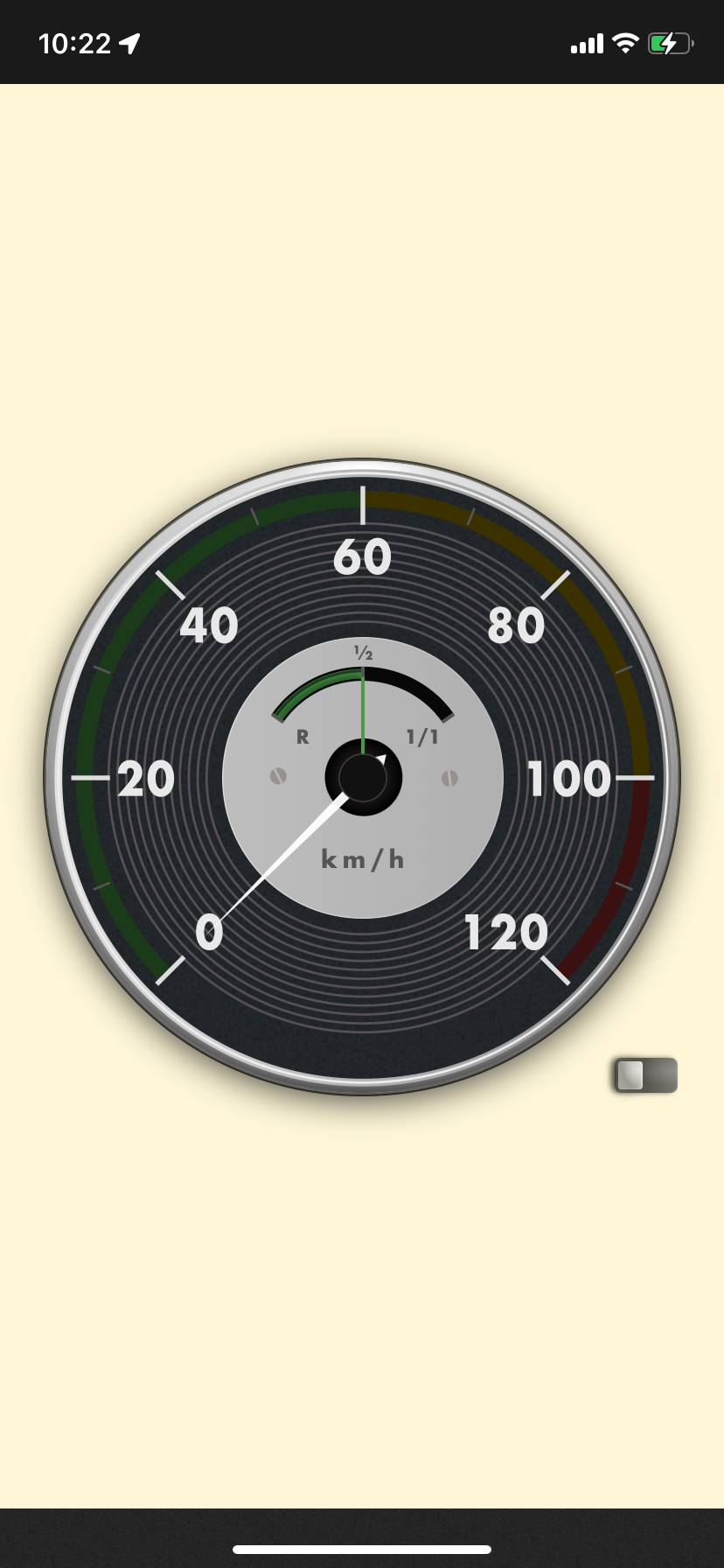
Background GPS support keeps distance tracking running even while using navigation or music apps. A full-screen simple mode provides clear visibility while driving.
Connect to your car's Bluetooth audio and the Drive screen opens on its own; when you leave, the trip ends and you're told how far you drove. No extra hardware — the car audio you already have, or a Bluetooth adapter in the cigarette socket, does the job.
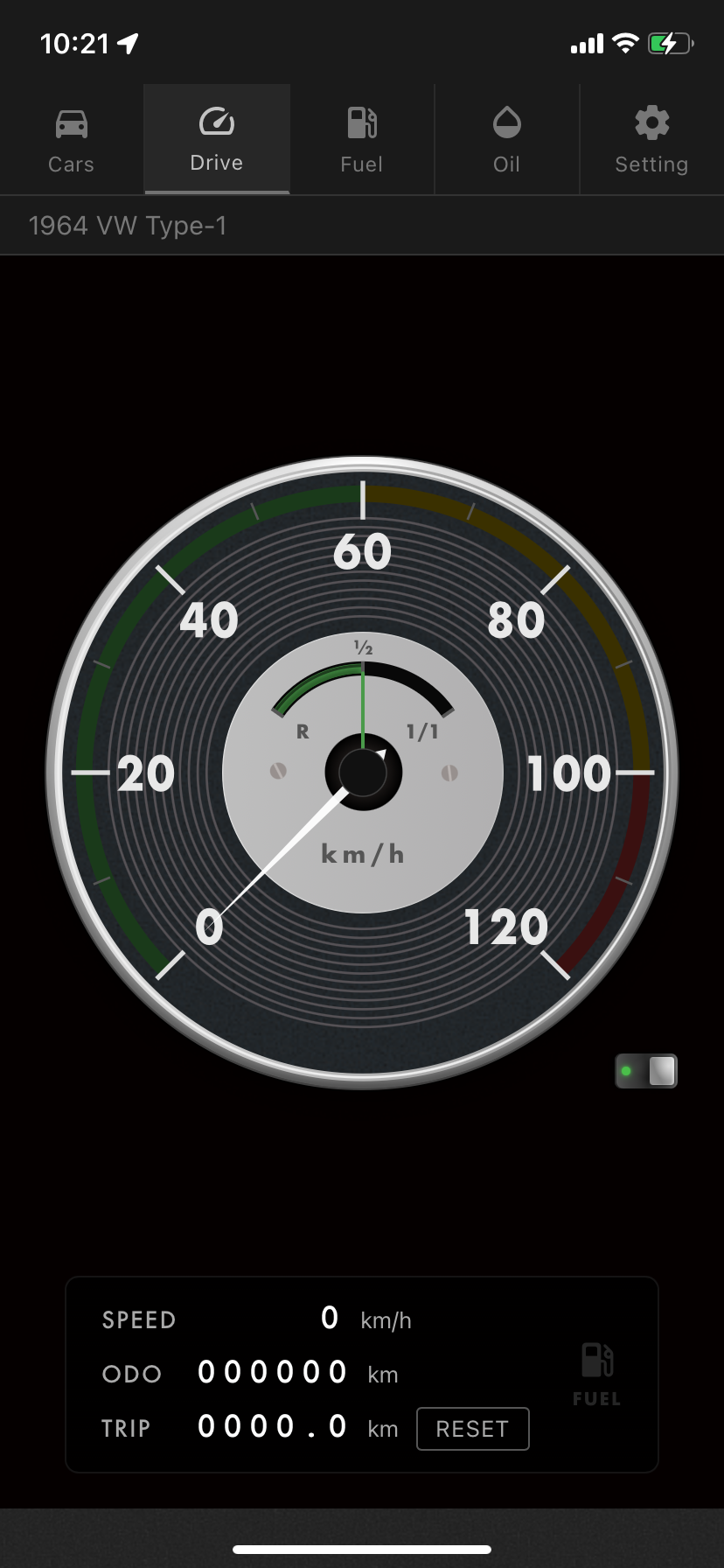
After dark the gauges slip into Night Mode, lit by a warm bulb glow the way a vintage instrument cluster is at night. The numbers and needle keep their brightness, so nothing gets harder to read. Sunset and sunrise are worked out from your GPS position, so it keeps up on its own as the seasons turn and wherever you drive.
* The GPS speedometer calculates speed via GPS measurements. Minor errors and delays may occur. (Background GPS may require battery optimization exclusion settings on some devices. Please refer to your device's manual for details.)
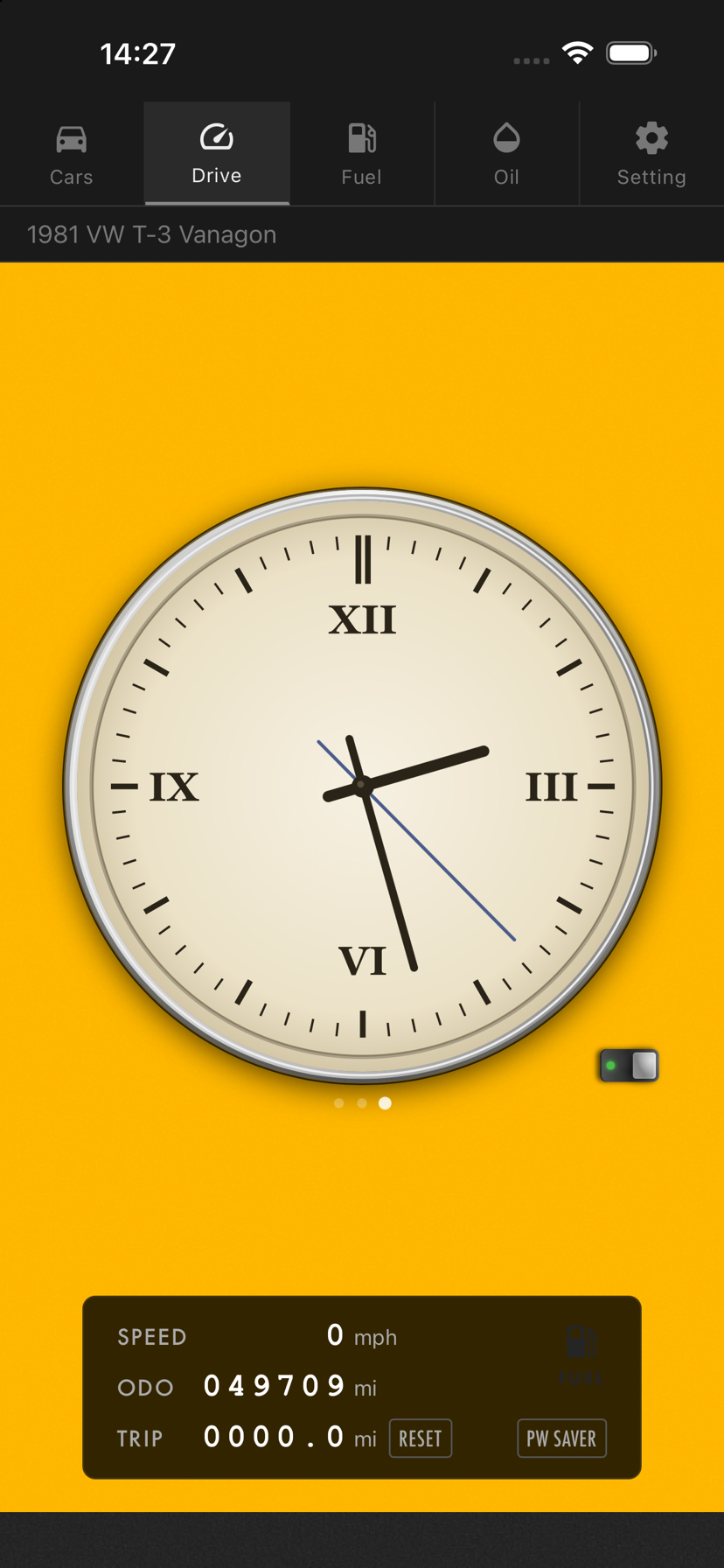
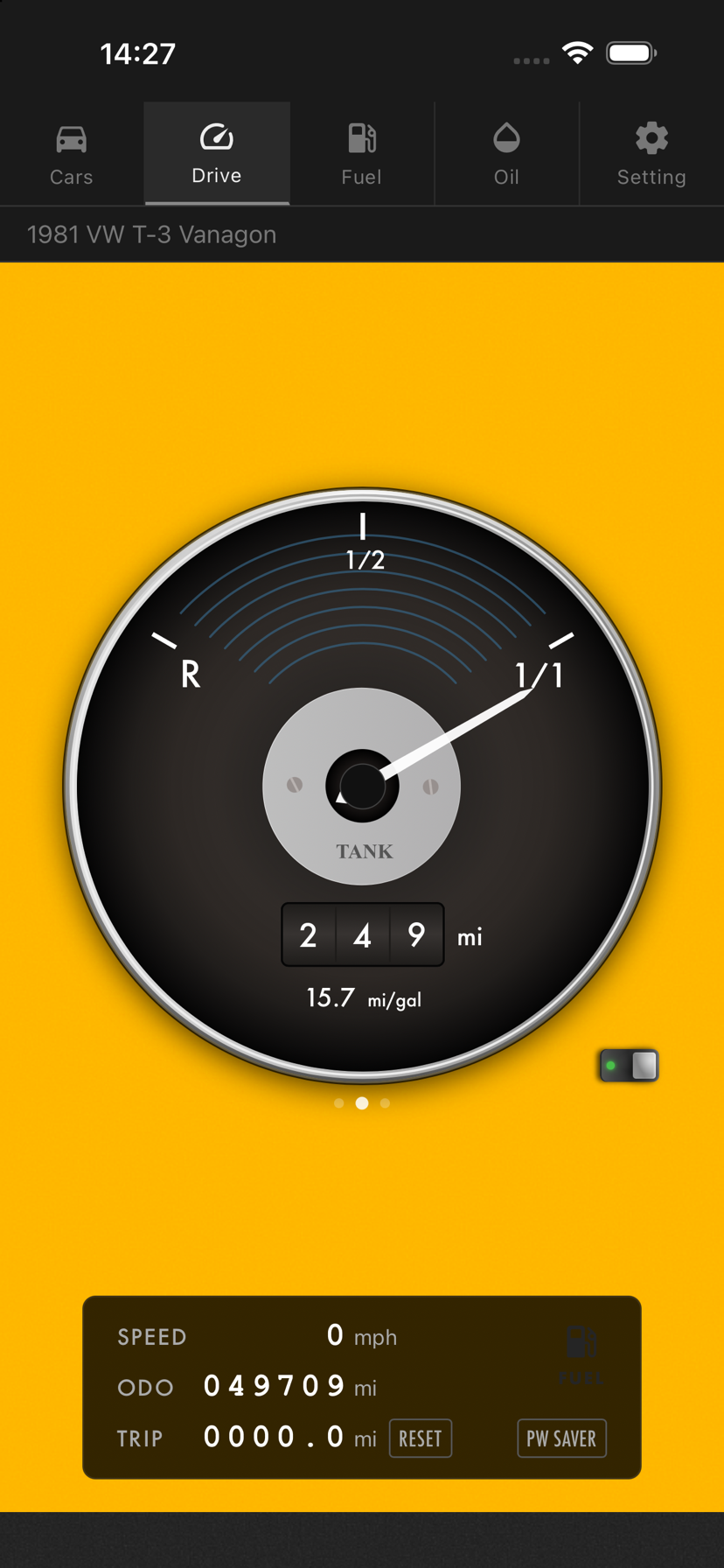
Swipe sideways on the gauge to switch between the speedometer, the fuel gauge and the clock. One finger is enough, even on the move.
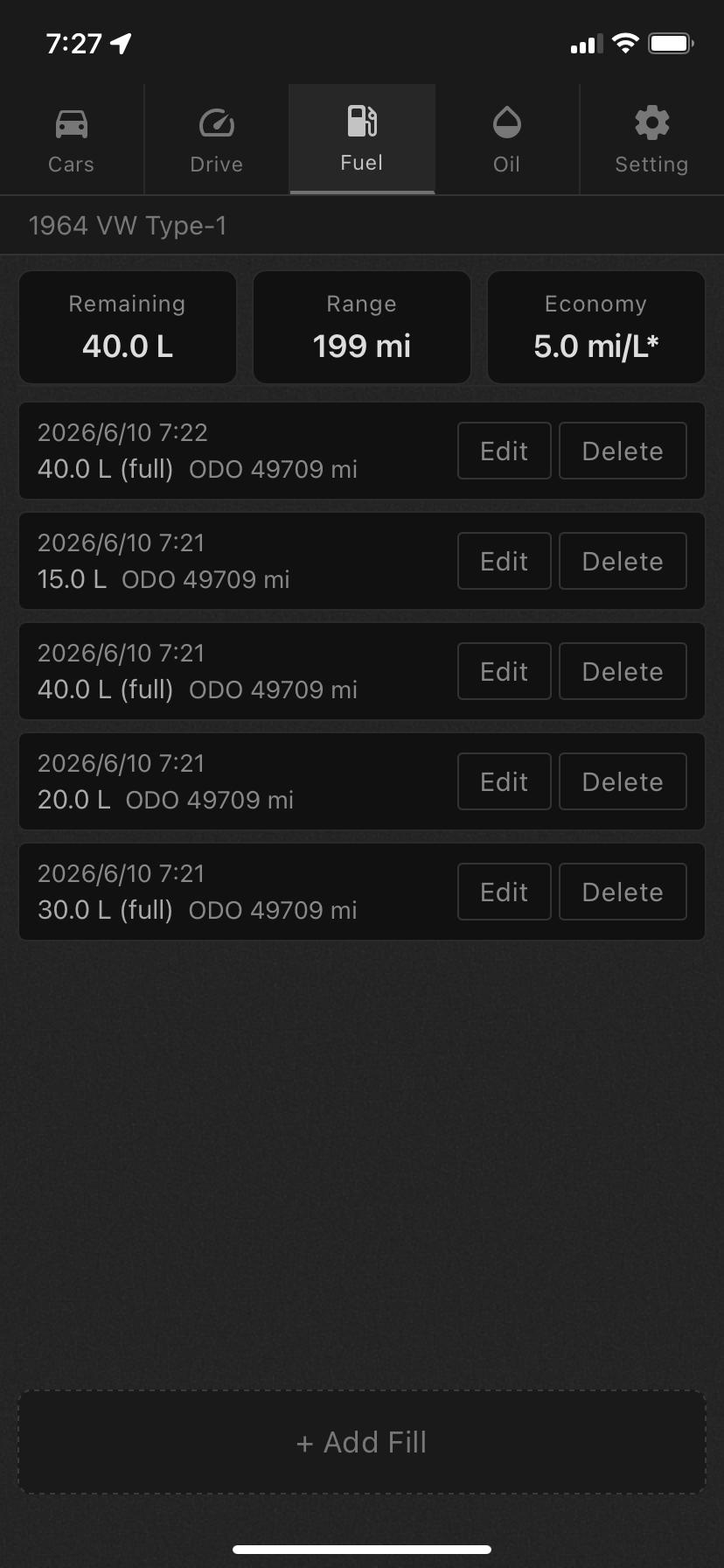
The fuel gauge shows what your fill-up records say is left in the tank, with the distance you can still cover and your average economy printed on the dial. On a vintage car with a small tank, that is the number you actually want.
The clock is a dial in the style of a vintage instrument — for a dashboard that never had one, or one that stopped years ago.
Whichever you use most can be set as the one that appears at startup.
Simply record the amount and mileage at each fill-up — the app automatically calculates estimated remaining fuel, range, and average fuel economy.
Switch between L (litres), US gal and UK gal (imperial gallons), and show fuel economy as km/L (mi/gal), L/100km or UK mpg. View your full refueling history at a glance and track fuel economy trends over time. Answers the "how far can I go?" question for vintage cars with smaller tanks.
Tap the FUEL mark at the bottom right of the Drive screen to find the nearest gas stations in your own map app (*7). The same mark blinks when you are running low, so it is right there when you need it.
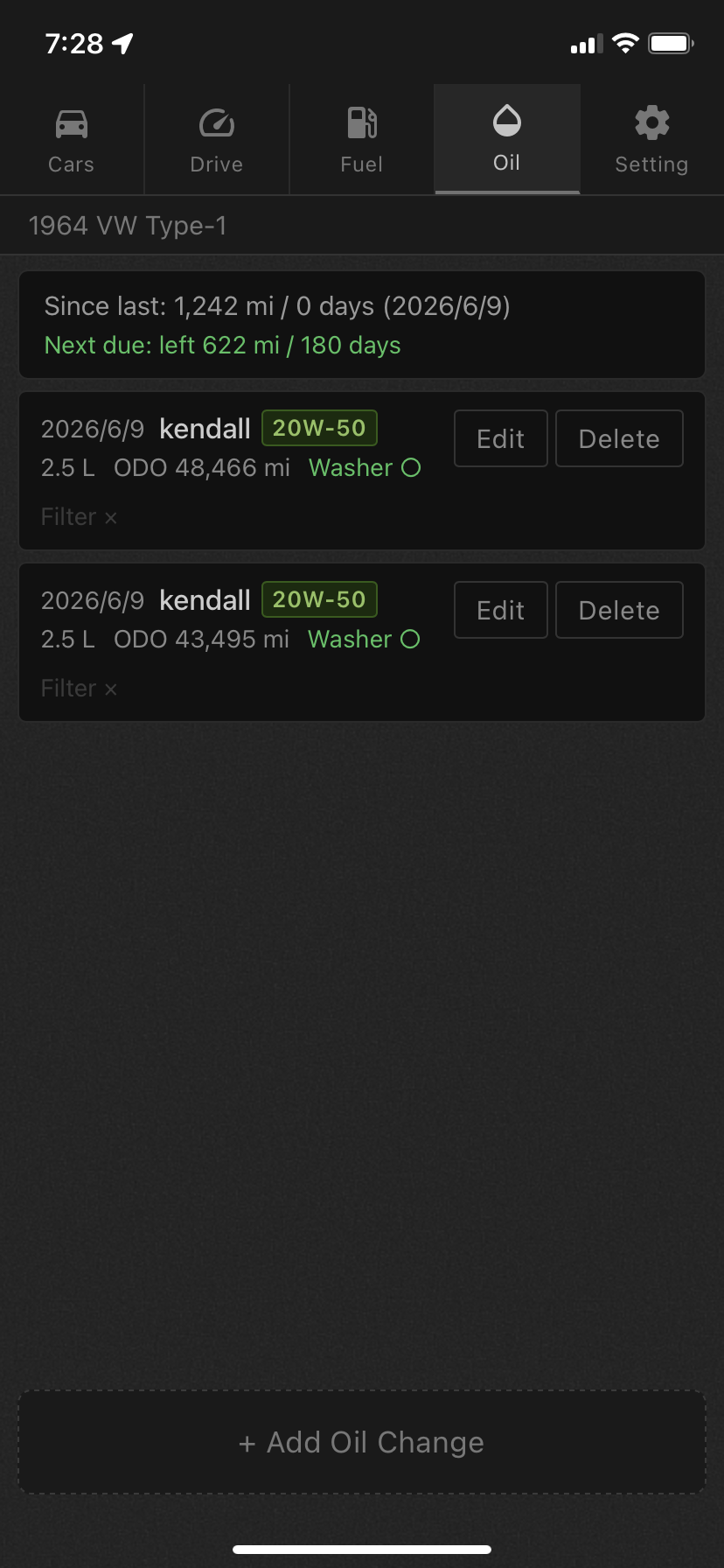
Record the date, mileage, brand, and viscosity all in one place. View your full oil change history chronologically — see at a glance when and what oil was used.
Set a next-change target mileage so you never miss it. Oil care is especially critical for air-cooled engines. Keep your prized engine running strong.
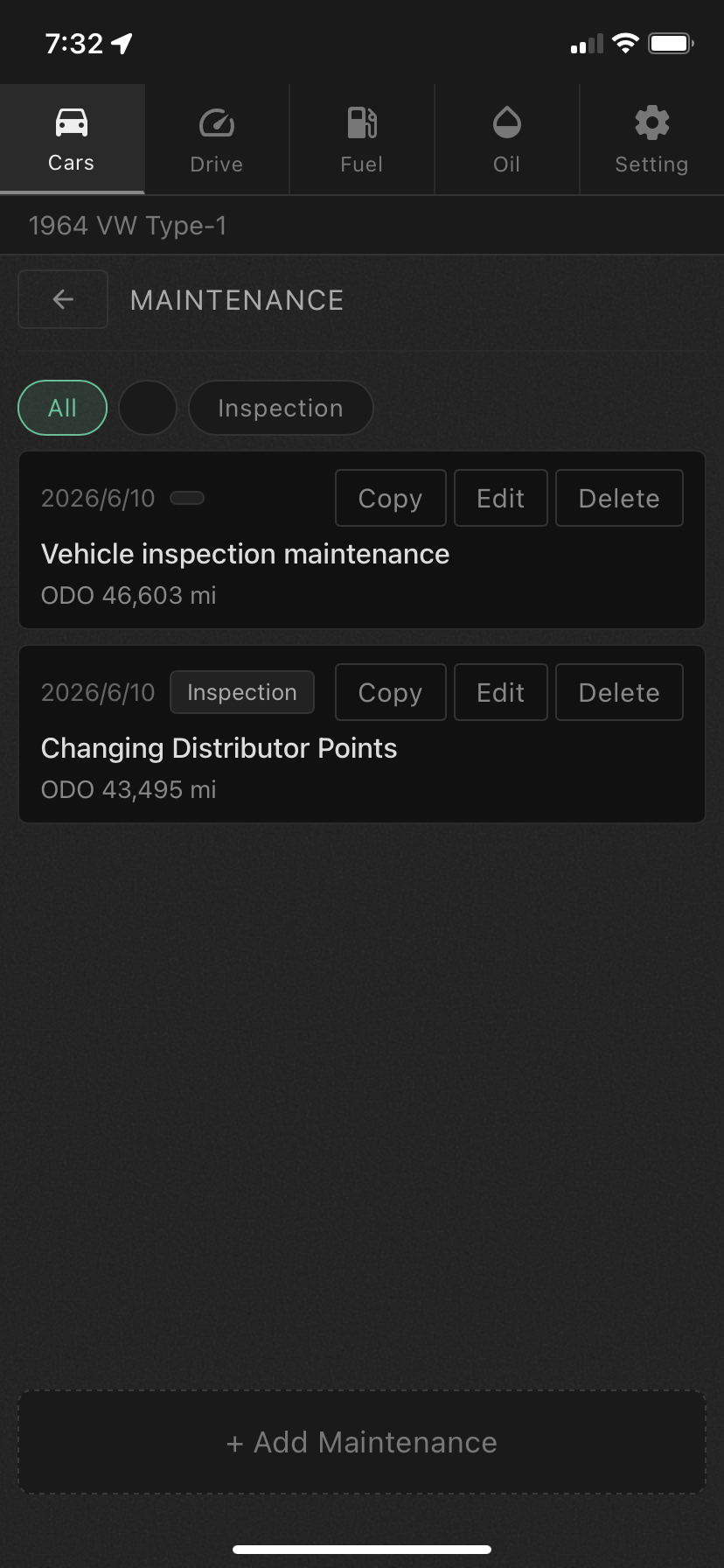
Keep records of inspections, repairs, and servicing all in one place. Easily look up when tires were changed or when the last inspection was done.
Register and manage multiple vehicles independently — perfect for owners with 2 or 3 cars. Fuel records, ODO, and TRIP are all managed separately per vehicle.
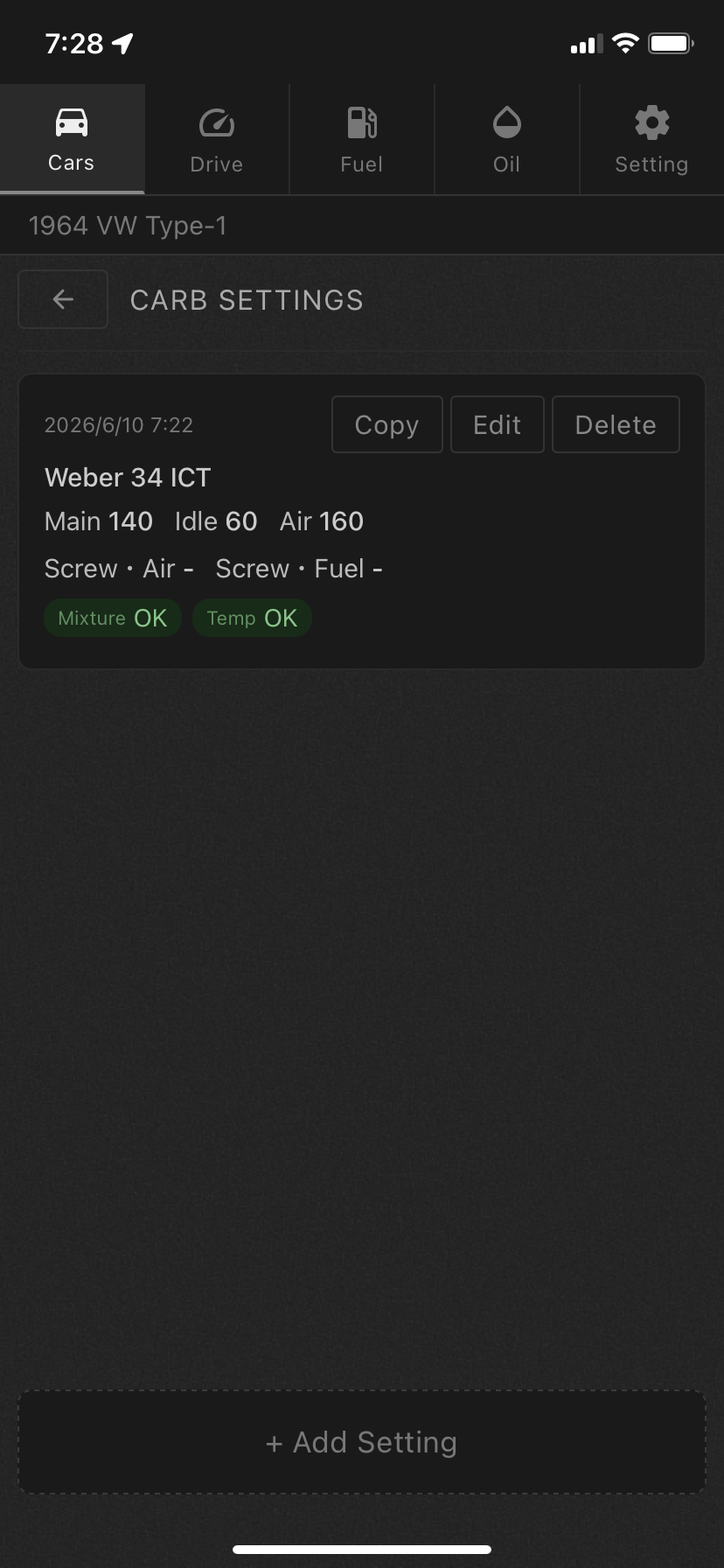
Record and manage carburetor settings including main jet, idle jet, and pilot screw turns.
Keeping before-and-after data lets you quickly restore your best-performing settings. Ideal for tracking fine-tuning history based on seasons and altitude.
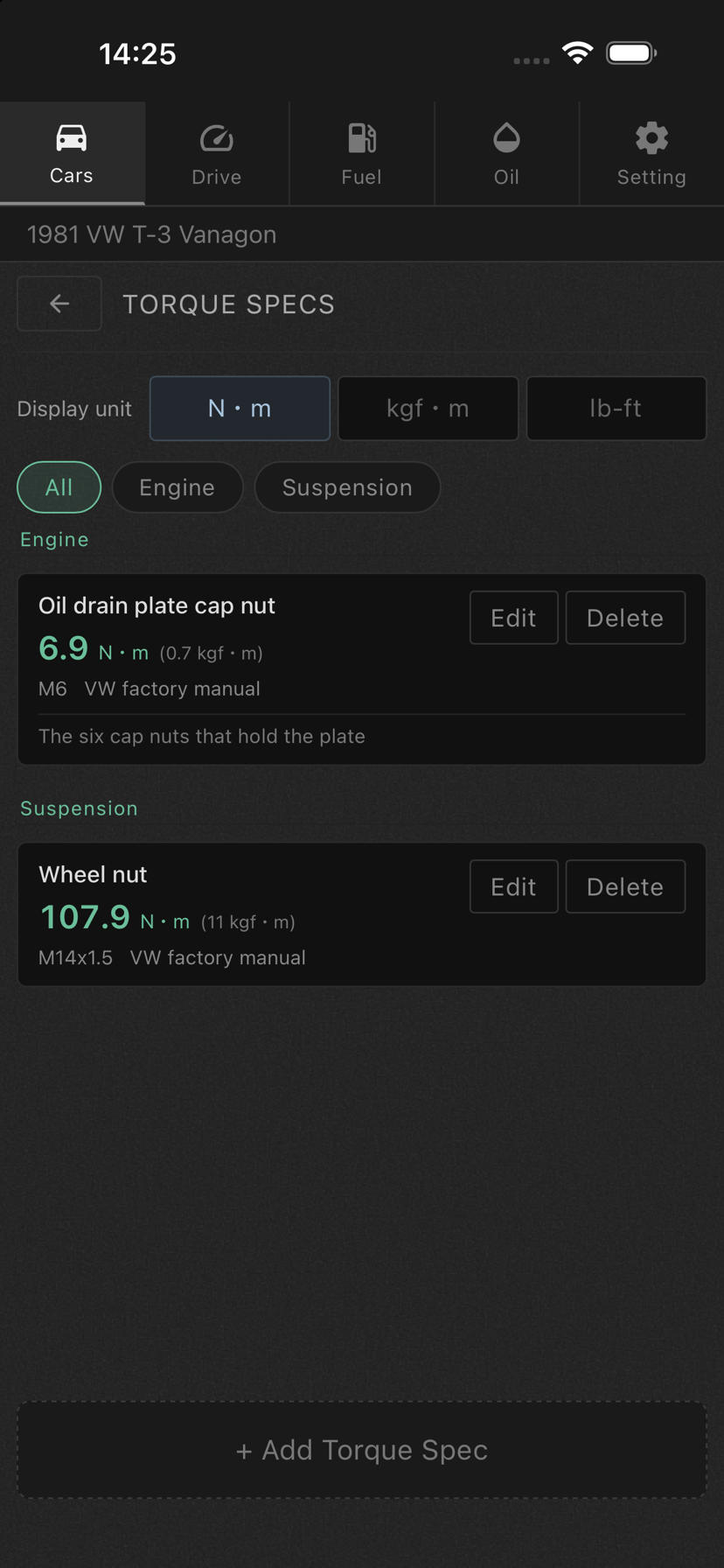
Keep the figure you always end up looking up again — what this particular fastener should be tightened to — stored with the car it belongs to. Entries are grouped by area and fastener, so engine, suspension and brakes each read as a set, and the manual stays on the shelf.
Switch the display between N·m, kgf·m and lb-ft. On a vintage car it is common for the factory manual to be in kgf·m, the workshop manual in lb-ft and the wrench in your hand in N·m. Whatever unit you type stays exactly as the manual wrote it, and only the display converts, so you can read the app and the book side by side.
Bolt size, which manual the figure came from, and notes on tightening sequence or stages sit alongside each value.
For
Specs
| Feature | Details |
|---|---|
| GPS Speedometer (*1) | Real-time speed display, km/h · mph support |

| Gauge Faces | Swipe between speedometer, fuel gauge and clock; choose which one opens at startup |
| ODO / TRIP (*2) | Auto measurement of total / interval distance, managed per vehicle |
| Background GPS (*3) | Distance tracking continues with screen off or other apps in use |
| Fuel Management | Refueling log, auto fuel economy, estimated range, L / US gal / UK gal switching, economy in km/L, L/100km or UK mpg |
| Gas Station Search (*7) | Find the nearest gas stations from the FUEL mark, in your own map app |
| Carburetor Settings | Main jet, pilot screw, etc. — multi-carb support |
| Oil Change Log | Date, brand, viscosity recording with next-change reminder |
| Maintenance Log | History management for service, repairs, and inspections |
| Torque Specs | Tightening torque per area and fastener, with N·m / kgf·m / lb-ft display switching |
| Multi-Vehicle | All records managed independently per vehicle |
| Meter Customization | Freely set background color |
| Night Mode (*5) | Warm bulb light on the gauges after dark; switches automatically from your GPS position or by times you set, warm bulb or green light, three light levels |
| Simple Mode | Full-screen meter-only display |
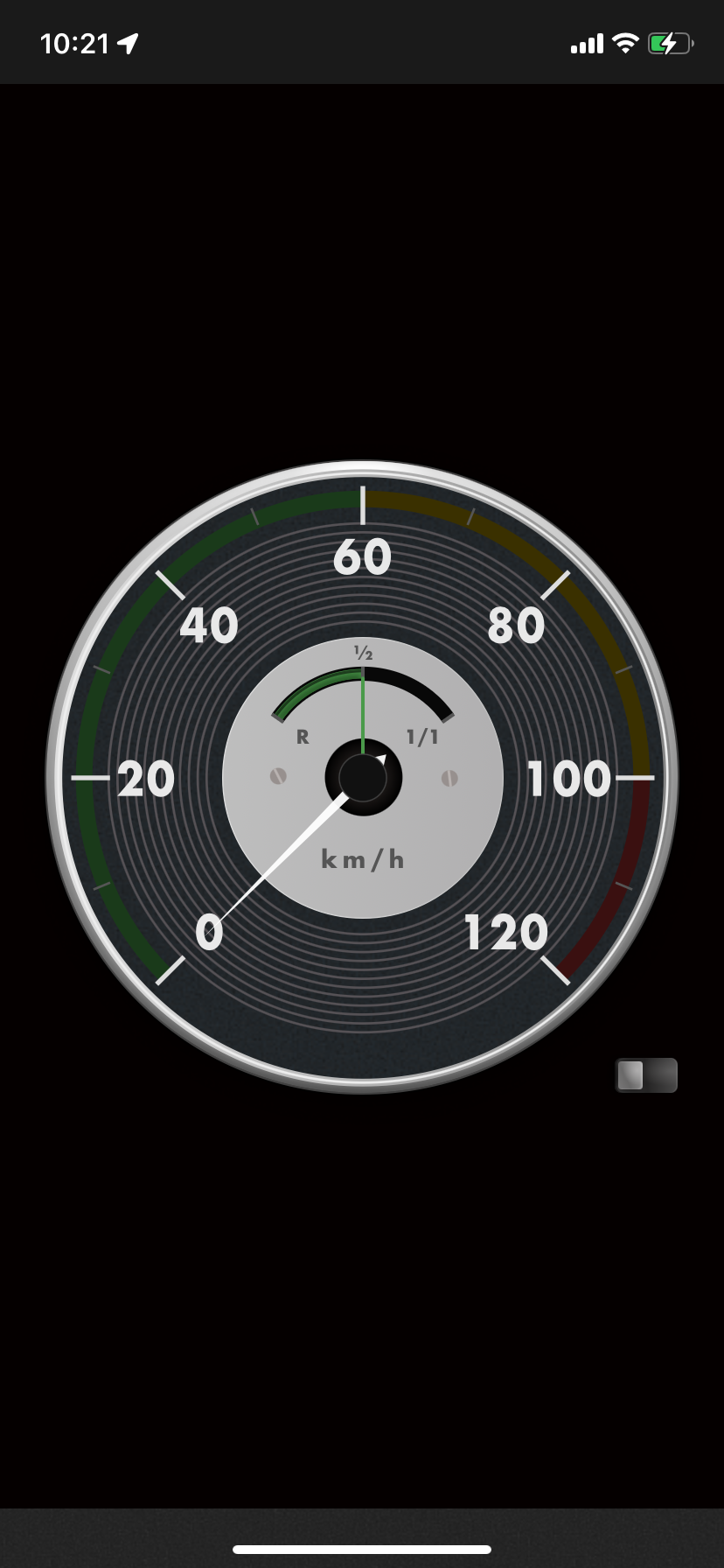
| Power Saver View (*6) | Hides the gauge and turns the screen black while speed and distance stay visible and measuring continues |
| Bluetooth Link (*4) | Opens the Drive screen when your car's Bluetooth audio connects; ends the trip and reports the distance when you leave |
| Backup | Export and import all your data. Set a location and it also saves automatically once a day, keeping the last 14 days — outside the app, so backups survive deleting it |
| Multilingual | Japanese, English |
| Requirements | Details |
|---|---|
| Platforms | iPhone / Android smartphones |
| OS | iOS 15 or later / Android 7.0 or later |
| Price | ¥500 (one-time purchase) |
Japanese & English / iOS & Android